The largest speed number on an SD-card package is not enough to decide whether that card suits your camera. Start with the camera’s requirements for the recording mode you actually use, then match the relevant card markings. This guide explains that decision; it does not rank brands or report a card benchmark.
What V30, V60 and V90 tell you
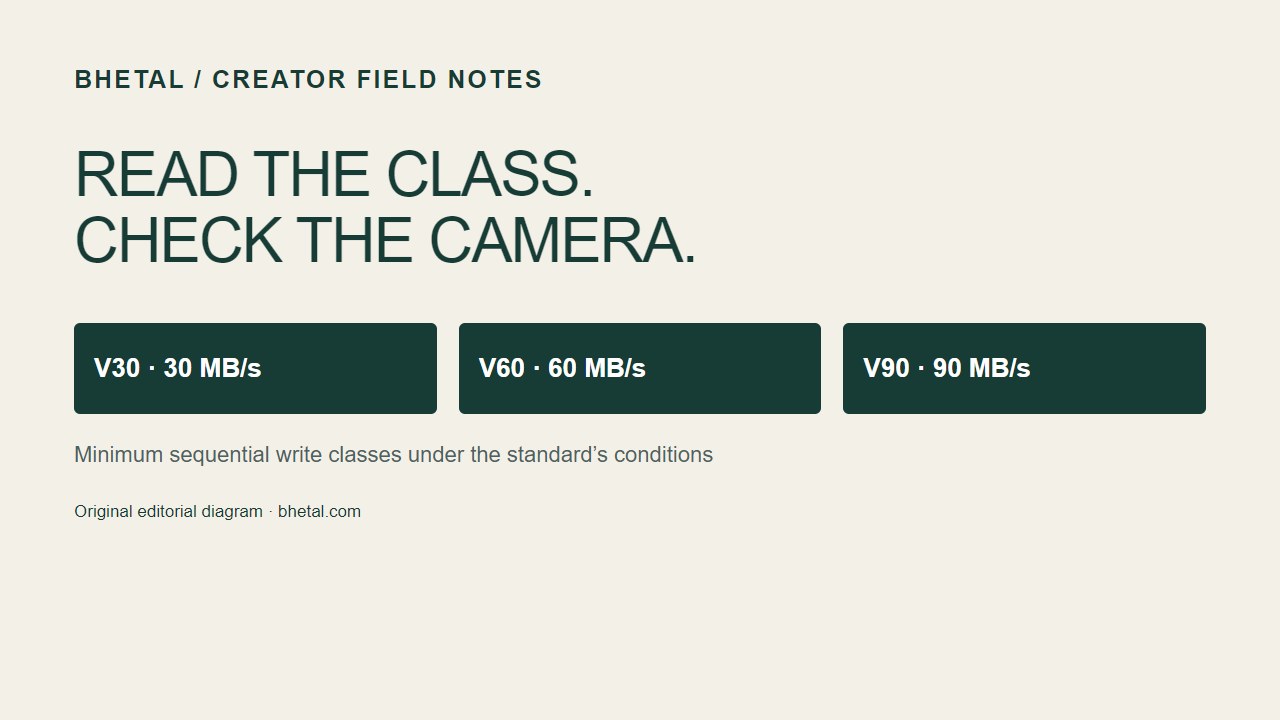
Video Speed Class describes a minimum sequential write-performance level under the SD standard’s defined conditions. V30 means 30 MB/s, V60 means 60 MB/s and V90 means 90 MB/s. These are class thresholds, not a promise that every file transfer runs at that speed. The SD Association’s video-recording guide explains why consistent writing matters for recording.
| Marking | Minimum sequential write class | Your next check |
|---|---|---|
| V30 | 30 MB/s | Does the selected camera mode accept V30? |
| V60 | 60 MB/s | Does the camera require this class and support the card interface? |
| V90 | 90 MB/s | Is this required for your workflow, or would it be unnecessary spending? |
UHS-II and V60 answer different questions
A bus interface describes how the card and device communicate. A speed class describes a performance requirement. UHS-II therefore does not mean V60, and “fast reader” does not mean “suitable recording card.” The SD Association’s bus-interface reference distinguishes UHS-I, UHS-II and newer interfaces. Check both the camera slot and your transfer reader rather than assuming a matching card shape establishes support.
Do not substitute labels just because the numbers match
Class 10, U1 and V10 can point to the same numerical threshold while using different class specifications. The official speed-class reference warns that matching numbers across different class symbols do not establish the required host/card combination. Use the marking the camera maker specifies.
Bitrate arithmetic is a sense check, not an approval list
Megabits and megabytes are different units. Dividing a hypothetical 200 Mb/s stream by eight gives 25 MB/s. That calculation can help you notice a unit mismatch, but it does not certify a card for a camera. Do not use it to override a manufacturer’s recording-mode requirements.
A short worksheet before you buy
- Write down the exact camera model and the recording mode you intend to use.
- Find that mode in the manufacturer’s manual or compatible-media list.
- Record the required card type, capacity restrictions, interface and class marking.
- Compare the complete card model against those requirements, not only a shop listing’s headline speed.
- Keep the purchase decision tied to that workflow. Recheck it if you change recording modes or cameras.
For example, “I need a card for 4K” is an incomplete brief. A more useful note identifies the camera, codec, frame rate and the manual’s media requirement. That note also makes it easier to explain your needs to a retailer without being steered solely toward a larger advertised number.
Evidence and limits
This is a research-based explanation of published standards, checked on 14 September 2026. We have not benchmarked or endurance-tested cards for this article. The illustration is an original reference diagram, not a product photograph or test result. There are no affiliate links in this guide. Our editorial standards explain how we distinguish research from testing.