Google announced on June 16, 2026, that Wear OS 7 was rolling out to eligible Pixel Watch devices. The update adds wrist-based Live Updates, controls for connected devices, and system power optimizations. Google says average users upgrading from Wear OS 6 can expect up to 10% improved battery life. That figure is an average expectation, not a guarantee for every watch.
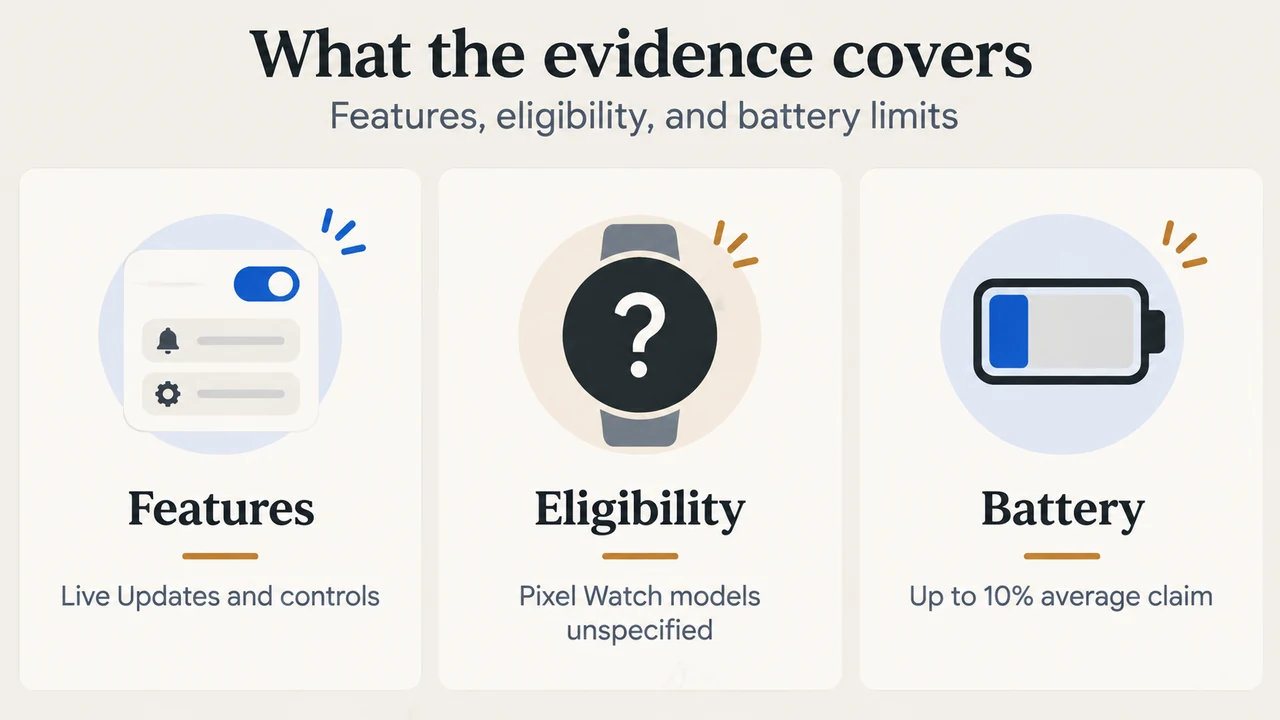
The supplied Google sources do not identify which Pixel Watch generations are eligible. This article therefore applies only to the documented boundary: eligible Pixel Watch devices. It does not establish support for every Pixel Watch model.
What Wear OS 7 adds on eligible Pixel Watch devices
Live Updates for ongoing information
Google says Wear OS 7 brings Android Live Updates to the watch. Its examples include sports scores, food-order arrival times, and workout progress. These updates provide information at a glance while an event is ongoing.
Google shows Just Eat Live Updates as an example. The supplied announcement does not establish that every app supports Live Updates, so app support should be treated as feature-specific.
Controls for connected devices
Google says Wear OS 7 works better with connected devices, including earbuds and intelligent eyewear. Its example is that, after taking a photo with audio glasses, a user can review the capture on the watch.
The update also includes a media output switcher. Google says it can control media playing on headphones, home speakers, and other devices, and switch audio from one device to another. The supplied announcement does not list every compatible product or explain all connection requirements.
Gemini features planned for select devices
Google says select Wear OS 7 devices will receive Gemini Intelligence features later in 2026. Announced examples include Create My Widget for building custom dashboards with natural-language requests, multi-step app automation, and the Neural Expressive design language.
Google also says Personal Intelligence can reference Google apps, including Gmail and Search, and chat history to provide suggestions. The announcement does not specify which Pixel Watch models will receive these features, when each feature will arrive, or whether every capability will be available in every region or configuration.
Battery-life claim and its limit
Google says system-level power optimizations in Wear OS 7 can provide up to 10% improved battery life for average users who upgrade from Wear OS 6. The announcement identifies the supporting data as covering Wear OS 6 devices from August 2025 through April 2026.
This is Google’s reported average expectation. It is not a hands-on measurement in this article and does not promise that every Pixel Watch will last 10% longer. The supplied evidence does not establish battery results for an individual watch.
How to check your watch for updates
Google’s Wear OS support page says update steps can vary by manufacturer, device, and software version. It also says only watches running Wear OS 2 or newer can receive updates. That rule does not confirm Wear OS 7 eligibility for a particular Pixel Watch generation.
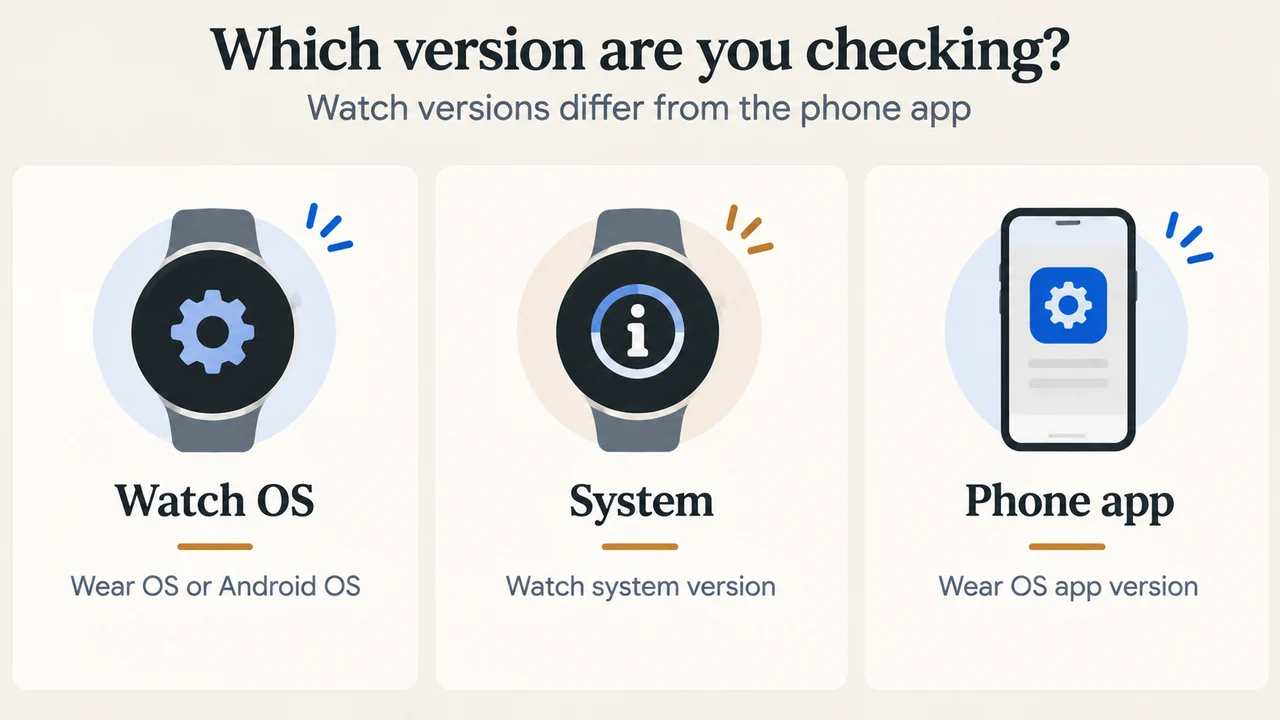
To check the watch’s software information, open the app list, choose Settings, then System and About or Versions, as shown in Google’s documented paths. The watch has an OS version and a system version. The Wear OS app version shown on a phone is not the same as the watch’s version.
Google says watch updates are often installed overnight while the watch is charging. Keep the watch powered on and connected to Wi-Fi. If an update does not install automatically, Google documents this manual path: Settings > System > About > System updates. If there are update problems, Google advises checking Wi-Fi, temporarily disabling Bluetooth, and retrying.
Google also documents the Play Store on the watch as a way to download Wear OS updates. Open the Play Store, tap My Apps, and download an available update or choose Update all. The same page documents automatic app updates through the Play Store: open its settings and turn automatic updates on or off. Staying signed in to a Google Account and keeping the watch powered on while charging helps keep apps updated, according to Google.
What the supplied evidence does not establish
- It does not identify every Pixel Watch generation supported by Wear OS 7.
- It does not show that every Wear OS 7 feature works with every connected device.
- It does not provide a specific release date for Gemini features beyond later in 2026.
- It does not prove that every app offers Live Updates.
- It does not provide independent battery testing for any Pixel Watch model.
Owners should therefore treat “eligible Pixel Watch” as the relevant boundary until Google provides model-specific support information. These excerpts alone do not show that a missing update proves a watch is unsupported.
Research method and limitations
This article was prepared from the supplied public Google source excerpts retrieved September 19, 2026. The Google announcement supplies the Wear OS 7 feature and battery information; Google’s Wear OS support page supplies version and update guidance. No hands-on testing, lab measurement, benchmark, comprehensive product review, or independent compatibility research was performed. The supplied material does not identify eligible Pixel Watch generations, and no competing coverage was available for review.
Text version of the diagrams
- What the evidence covers: Features — Live Updates and controls; Eligibility — Pixel Watch models unspecified; Battery — Up to 10% average claim
- Which version are you checking?: Watch OS — Wear OS or Android OS; System — Watch system version; Phone app — Wear OS app version