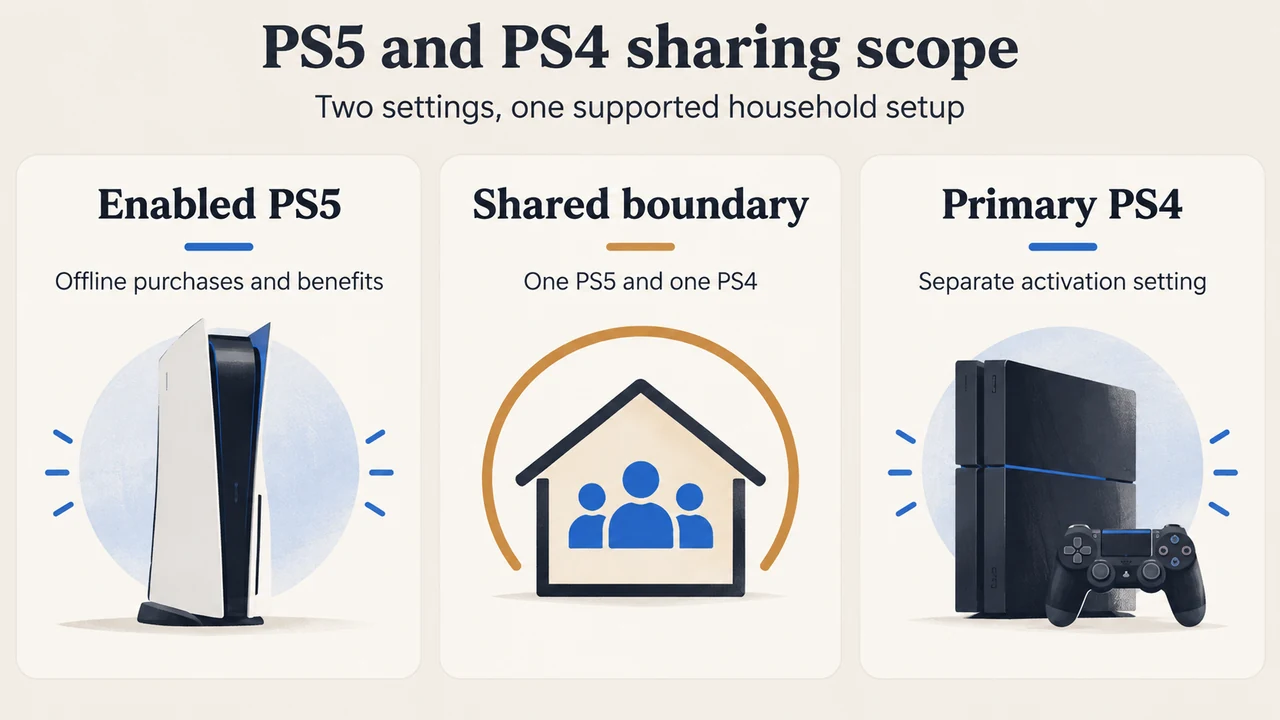
On PlayStation 5, Console Sharing and Offline Play applies to one PS5 at a time. When enabled, other users of that PS5 can play the account holder’s purchased and downloaded games and media while the console is offline, and can use selected PlayStation Plus benefits.
This setting is separate from the primary-PS4 activation system. PlayStation documents sharing certain benefits on one PS5 with Console Sharing and Offline Play enabled and one PS4 activated as the account’s primary PS4.
What the enabled PS5 can share
Anyone who uses the enabled PS5 can play games and media purchased and downloaded by the account holder, including when the console is offline. The official support page also says that users can enjoy some PlayStation Plus benefits.
That access applies to accounts using the same enabled PS5. PlayStation says PlayStation Plus benefits cannot be shared with a friend on another console.
PlayStation Plus benefits that can be shared
On one enabled PS5 and one primary PS4, PlayStation lists these shareable features:
| Can be shared | Important scope |
|---|---|
| Online multiplayer | Subject to parental-control settings |
| Downloaded games purchased with a PlayStation Plus discount | The discounted purchase must already be downloaded |
| Downloaded Monthly Plus games | The games must already be downloaded |
| PlayStation Plus Game Catalog and Classics Catalog games | Depends on the membership plan |
Benefits and actions that are not shared
PlayStation separately lists these features as unavailable for sharing:
- Buying products at a PlayStation Store discount
- Redeeming PlayStation Plus games on another account
- Online storage
- Automatic patch downloads
- Early access to time-limited game trials
This distinction matters in a household. Shared console access does not turn every benefit of the subscribing account into a benefit for every other account.
How the PS5 and PS4 settings relate
For the PS5, the documented setting is Settings > Users and Accounts > Other > Console Sharing and Offline Play. For the PS4, PlayStation identifies a separate setting called Activate as Your Primary PlayStation 4.
PlayStation’s sharing guidance describes the supported combination as one PS5 with Console Sharing and Offline Play activated and one PS4 activated as the primary PS4. The excerpts do not establish that every game, service, or account feature behaves identically across both consoles, so the documented benefit list should be treated as the boundary.
What happens when you change PS5 consoles?
Only one PS5 can have Console Sharing and Offline Play enabled for an account at a time. To enable it on a new PS5, PlayStation says to disable it on the previous PS5 first. The setting is automatically allowed on the first PS5 used to sign in to PlayStation.
If the previous console is no longer available, PlayStation provides a remote option through Account Management to deactivate all devices. The official limitation is important: remote deactivation of all devices is available only once every six months. PlayStation also says this PS5 setting does not affect other console-activation limits.
Who this setup suits
This arrangement suits a household that wants other users on one PS5 to access the account holder’s downloaded purchases and selected subscription benefits, including offline access. It does not suit sharing with someone who uses a different PS5, and it does not provide access to the subscriber’s online storage, discount purchasing, or account-specific redemption actions.
Research method and limitations
This explainer was prepared from the two supplied PlayStation support excerpts retrieved on September 19, 2026. The evidence covers the documented PS5 setting, the primary-PS4 relationship, listed PlayStation Plus benefits, and deactivation limits. It makes no hands-on, lab, benchmark, or comprehensive-review claim. Competitor excerpts were used only to confirm that the setup is an established reader need; their truncated passages were not used as technical authority.
Text version of the diagrams
- PS5 and PS4 sharing scope: Enabled PS5 — Offline purchases and benefits; Primary PS4 — Separate activation setting; Shared boundary — One PS5 and one PS4
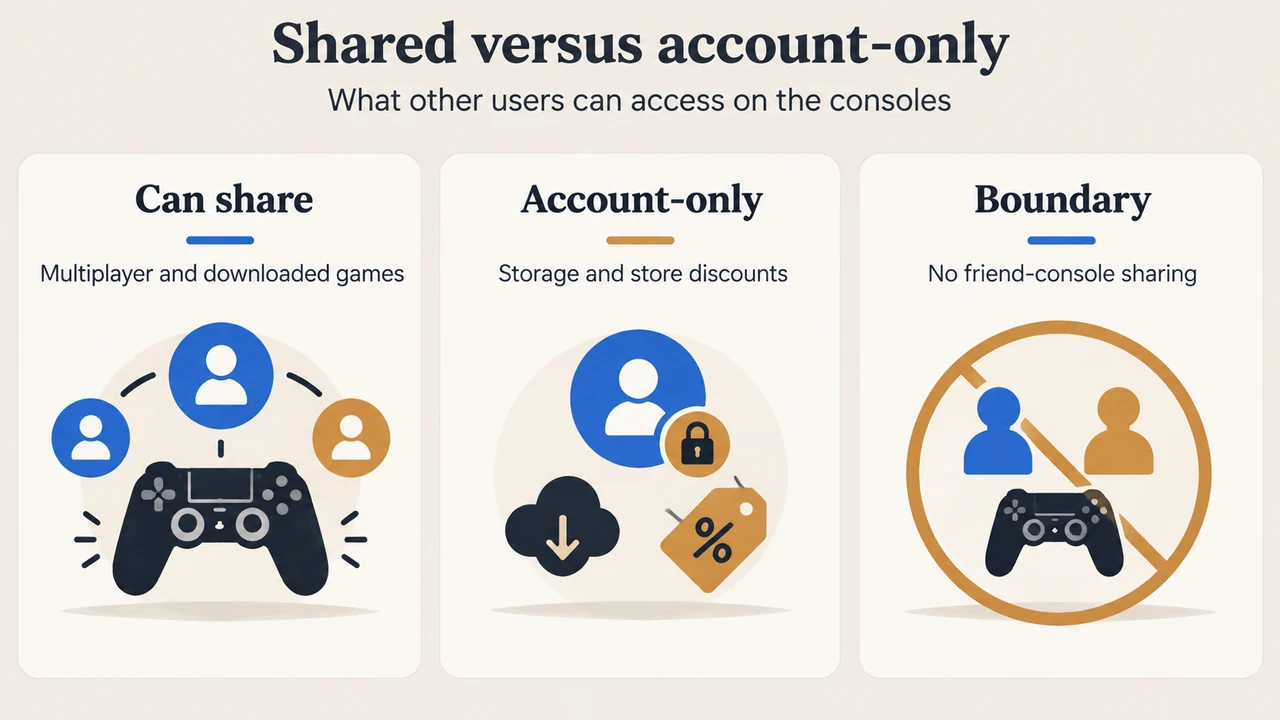
- Shared versus account-only: Can share — Multiplayer and downloaded games; Account-only — Storage and store discounts; Boundary — No friend-console sharing