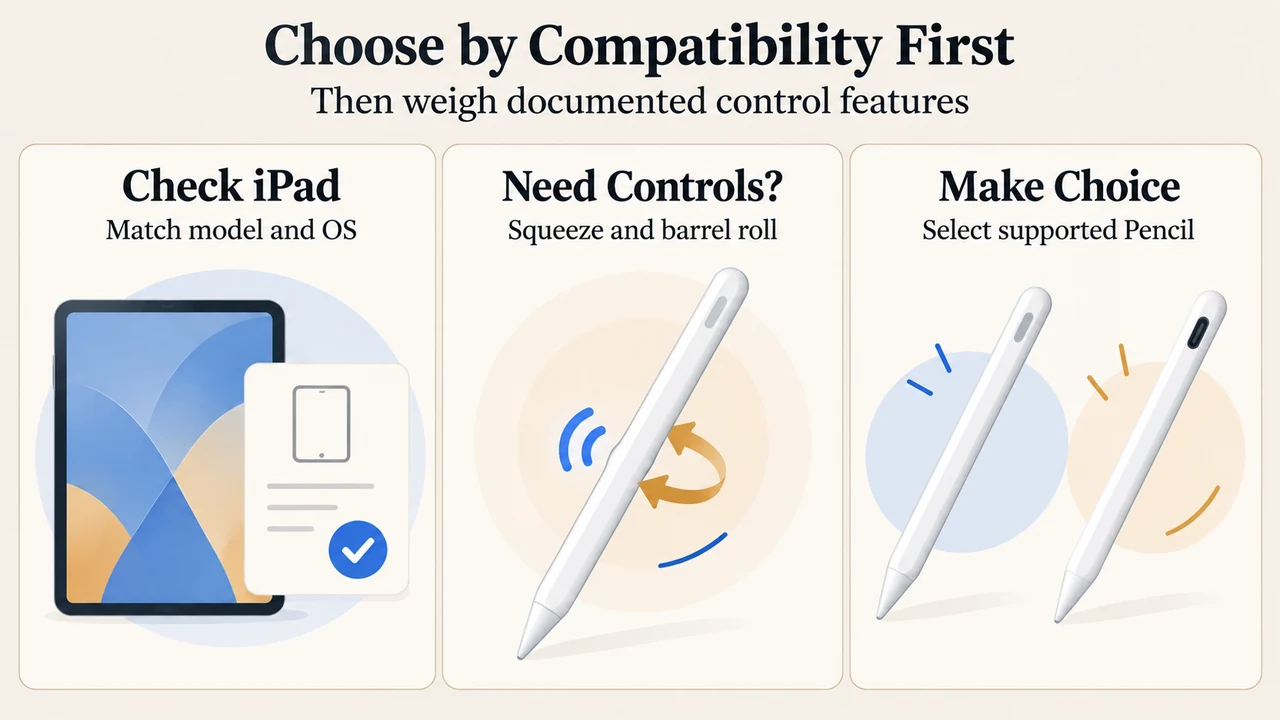
Choosing between the Apple Pencil Pro and the Apple Pencil (USB-C) depends primarily on iPad model compatibility and whether your workflow uses features documented for the Apple Pencil Pro, such as squeeze, barrel roll, and haptic feedback.
Documented Features and Device Compatibility
Official product and support documentation from Apple outlines verified specifications and compatibility requirements for both models:
| Feature or Requirement | Apple Pencil Pro | Apple Pencil (USB-C) |
|---|---|---|
| Pricing | $129.00 | Not documented in the supplied excerpts |
| Pairing and Charging Mechanism | Attaches, pairs, and charges magnetically on the side of iPad | Not documented in the supplied excerpts |
| Squeeze Sensor | Documented (senses squeeze to open tool palette, line weights, and colors) | Not documented in the supplied excerpts |
| Barrel Roll Gyroscope | Documented (gyroscope enables rotational control of shaped pen and brush tools) | Not documented in the supplied excerpts |
| Haptic Feedback | Documented (pulse confirms squeeze or double-tap) | Not documented in the supplied excerpts |
| Double Tap | Documented (switch between tools like pen and eraser) | Not documented in the supplied excerpts |
| Hover Support | Documented (preview tool touchdown position and virtual shadow) | Not documented in the supplied excerpts |
| Find My Location | Documented (locate in Find My app) | Not documented in the supplied excerpts |
| Minimum Operating System | iPadOS 17.5 or later | iPadOS 17.1.1 or later |
Documented Capabilities of the Apple Pencil Pro
According to Apple’s store listing, the Apple Pencil Pro measures 166 mm in length, 8.9 mm in diameter, and weighs 19.15 grams (0.68 ounces). It uses Bluetooth and features:
- Squeeze sensor: Detects lateral squeeze pressure to open a palette for switching tools, line weights, and colors.
- Barrel roll: An internal gyroscope allows tool rotation for shaped pen and brush tools.
- Haptic feedback: A custom haptic engine provides a light pulse confirming actions during a squeeze or double tap.
- Double tap: Switches between tools, such as alternating between a pen and an eraser.
- Hover: Lets users preview touchdown points and see a virtual shadow of the tool on the screen.
- Find My app: Allows users to locate a misplaced Apple Pencil Pro.
- Magnetic attachment: Attaches, pairs, and charges magnetically on the side of the iPad.
iPad Compatibility Rules
Hardware compatibility rules are documented in Apple Support Article 108937:
Apple Pencil Pro Compatibility
The Apple Pencil Pro requires iPadOS 17.5 or later and works only with:
- iPad Pro 13-inch (M4 and M5)
- iPad Pro 11-inch (M4 and M5)
- iPad Air 13-inch (M2, M3, and M4)
- iPad Air 11-inch (M2, M3, and M4)
- iPad mini (A17 Pro)
Apple Pencil (USB-C) Compatibility
The Apple Pencil (USB-C) requires iPadOS 17.1.1 or later and is supported on:
- iPad Pro 13-inch (M4 and M5)
- iPad Pro 11-inch (M4 and M5)
- iPad Pro 11-inch (1st, 2nd, 3rd, or 4th generation)
- iPad Pro 12.9-inch (3rd, 4th, 5th, or 6th generation)
- iPad Air 13-inch (M2, M3, and M4)
- iPad Air 11-inch (M2, M3, and M4)
- iPad Air (4th or 5th generation)
- iPad mini (A17 Pro)
- iPad mini (6th generation)
- iPad (10th generation)
- iPad (A16)
Selecting Between Supported Models
If you own an iPad model supported exclusively by Apple Pencil (USB-C) in this comparison—such as an iPad (10th generation), iPad (A16), older iPad Air (4th or 5th generation), or earlier iPad Pro generations—the Apple Pencil Pro is not documented as compatible with your tablet.
If you own an iPad compatible with both models (such as an iPad Pro M4/M5, iPad Air M2/M3/M4, or iPad mini A17 Pro):
- The Apple Pencil Pro ($129.00) provides documented hardware controls, including barrel roll gyroscope rotation, squeeze palettes, haptic pulses, Find My tracking, and magnetic pairing and charging.
- The Apple Pencil (USB-C) provides documented compatibility on iPadOS 17.1.1 or later across all listed devices, though feature specifications beyond device compatibility and OS level are not provided in the supplied excerpts.
Text version of the diagrams
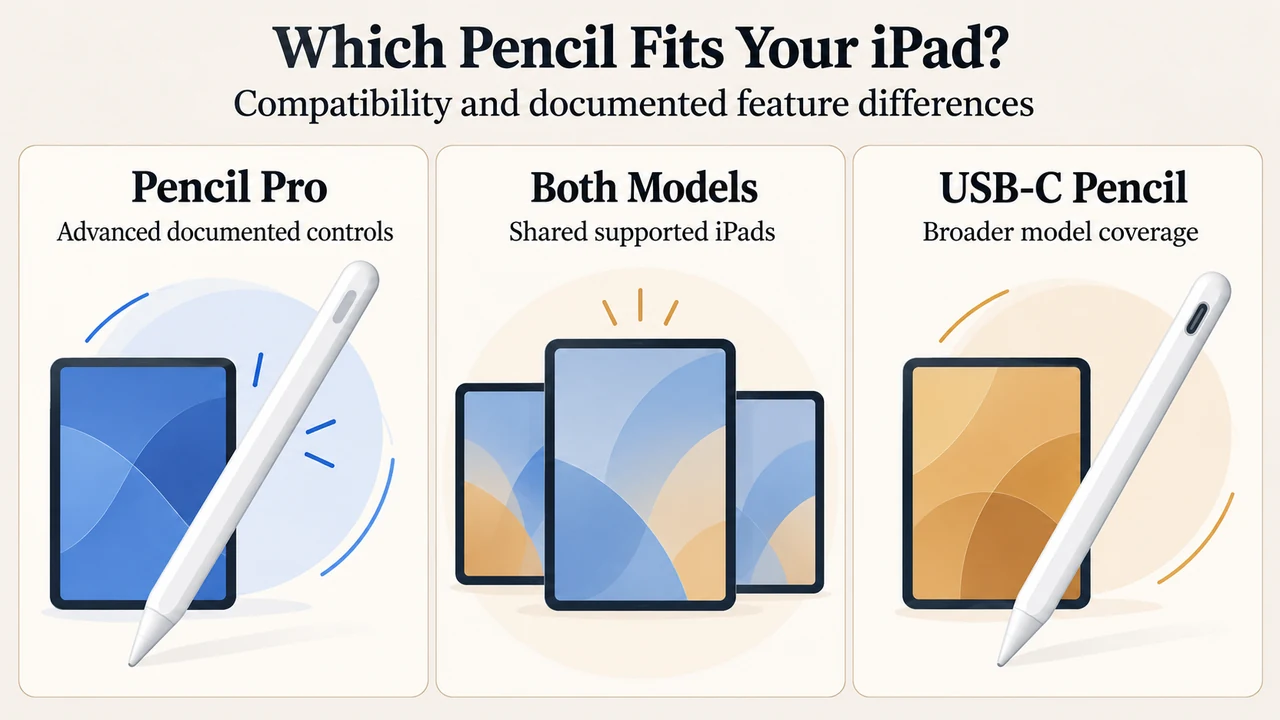
- Which Pencil Fits Your iPad?: Pencil Pro — Advanced documented controls; Both Models — Shared supported iPads; USB-C Pencil — Broader model coverage
- Choose by Compatibility First: Check iPad — Match model and OS; Need Controls? — Squeeze and barrel roll; Make Choice — Select supported Pencil
Research Methodology and Limitations
This article was prepared solely from the supplied public source excerpts: the Apple Store product page for Apple Pencil Pro and Apple Support Document 108937 regarding iPad compatibility. Material limitations include the lack of technical specification excerpts for the Apple Pencil (USB-C); its pricing, charging mechanism, dimensions, and specific sensor capabilities are omitted rather than assumed because they were not documented in the visible records. No competing external coverage was available for review.