Configuring cellular service for international travel involves distinct device hardware rules, carrier provisioning paths, and multi-SIM controls. Support documentation from Apple and Google outlines how iPhones and Google Pixel phones handle dual SIM configurations, roaming options, eSIM migration, and SIM removal.
Dual SIM Support and Hardware Configurations
According to Google’s Pixel dual SIM documentation, Pixel 3a and later models support Dual SIM Dual Standby (DSDS) using one physical SIM card and one eSIM. Dual active eSIM profiles (running two eSIMs at once) require a Pixel 7, Pixel 7 Pro, or later device, subject to carrier support. In the United States, Pixel 10 and later devices (excluding the Pixel 10 Pro Fold) support only eSIM. Hardware and regional constraints also apply: a Pixel 3a purchased in Japan cannot use two SIMs, while Pixel 4a (5G) and later models running Android 11 or higher can connect to 5G networks in dual SIM mode.
For Apple devices, Apple’s eSIM setup documentation states that eSIM functionality requires an iPhone XS, iPhone XS Max, iPhone XR, or later. Users can manage eight or more eSIMs on supported iPhone models. Regional hardware rules also apply: in China mainland, only the iPhone 17e and iPhone Air support eSIM (with the iPhone Air supporting only an eSIM and no physical SIM), while select iPhone models in Hong Kong and Macao feature Dual SIM using two nano-SIM cards.
International Roaming and Service Provider Options
As outlined in Apple’s carrier directory, travelers can connect abroad using international roaming plans from their existing network provider or prepaid plans from local destination carriers (such as Mobifone, Viettel, and Vinaphone in Vietnam). Additionally, worldwide service providers (such as airalo, aloSIM, GigSky, Holafly, Nomad eSIM, and Ubigi) offer prepaid data plans covering more than 190 countries and regions that travelers can purchase prior to departure.
Activation Methods and Wi-Fi Dependencies
Under Apple’s setup instructions, provisioning an eSIM typically requires connecting the iPhone to a Wi-Fi network or mobile hotspot. In certain countries and regions, eSIM-only iPhone models can activate without a Wi-Fi network.
Supported activation workflows documented by Apple include:
- eSIM Carrier Activation: The carrier assigns an eSIM profile digitally at the time of purchase or after device setup when requested, triggering an on-device installation notification.
- QR Code Scanning: Scanning a carrier-provided QR code during initial setup or afterwards in the Camera app. In iOS 17.4 and later, users receiving a QR code in a default email app or web browser can tap and hold the code to add the eSIM.
- Carrier Links and Apps: Tapping an activation link sent by the carrier (supported in iOS 17.4 and later), or installing the profile directly through the carrier’s mobile application.
- Manual Entry: Entering carrier-provided cellular configuration details manually in settings.
Line Assignment and Call Handling on Pixel Devices
On Google Pixel devices running Android 11 and up, users configure dual SIM preferences under Settings > Network & internet > SIMs. Users can assign separate SIMs for mobile data, phone calls, and text messages, or select “Ask every time” for calls and texts. Only one SIM can be set as the default for mobile data.
Call and data routing behaviors depend on the Pixel hardware generation:
- Pixel 8, Pixel 8 Pro, and earlier: When an active call is underway on one SIM, the device cannot receive a call on the other SIM; incoming calls to the inactive line divert directly to voicemail. During a phone call, data diverts through the SIM making the call when “Data during calls” is toggled on.
- Pixel 8a and later: Both SIMs can manage calls concurrently. If the first line is active on a call, the user can answer or place a call on the second line while the first call is placed on hold. This feature requires turning on mobile data for both SIMs, enabling automatic data switching for the second SIM, and carrier support for Wi-Fi calling on the second SIM.
Device Transfers and SIM Removal
For eSIM profiles, Apple’s eSIM Quick Transfer documentation enables transferring a cellular number or converting an existing physical SIM to an eSIM without contacting the carrier, provided the carrier supports the feature. Prerequisites include:
- Both iPhones signed in with an Apple Account.
- The previous iPhone unlocked with the device passcode.
- Both devices located nearby with Bluetooth enabled.
- Both devices updated to iOS 18.4 or later (with iOS 26 supporting the transfer of more than one phone number).
When the plan activates on the new iPhone, the previous SIM is deactivated. For migrations from an Android or other non-Apple device to an iPhone, carriers transfer the line through eSIM Carrier Activation or a QR code; with iOS 26, select carriers and smartphone manufacturers support direct eSIM transfer between Android and iPhone.
To stop using a physical SIM card on a Google Pixel, Google documents removing the card by inserting an ejection tool into the tray hole until the tray ejects, removing the tray and card, and pushing the tray back in. To delete an eSIM profile on a Pixel phone, users navigate to Settings > Network & internet > Mobile network > [eSIM] > Erase eSIM. To prevent unauthorized profile deletion, Pixel devices offer an option under Settings > Security > Advanced > Confirm SIM deletion that requires the device password before an eSIM can be erased.
Text version of the diagrams
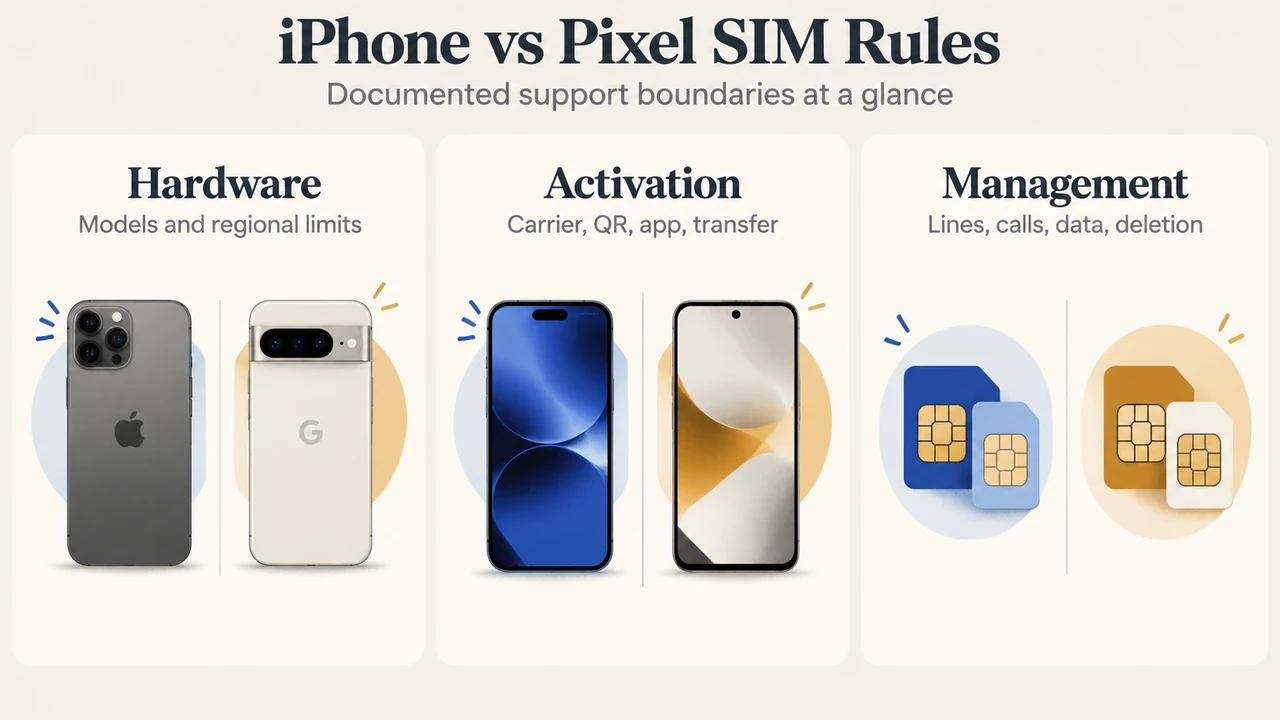
- iPhone vs Pixel SIM Rules: Hardware — Models and regional limits; Activation — Carrier, QR, app, transfer; Management — Lines, calls, data, deletion
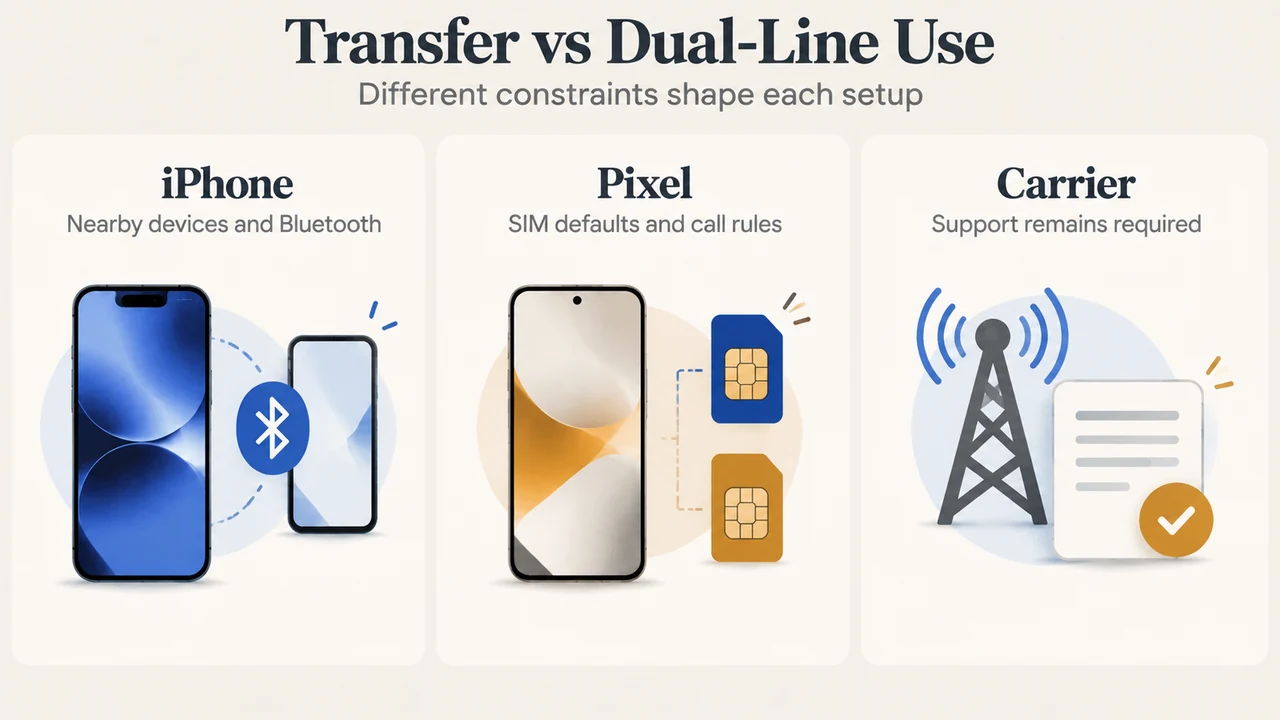
- Transfer vs Dual-Line Use: iPhone — Nearby devices and Bluetooth; Pixel — SIM defaults and call rules; Carrier — Support remains required
Research Method and Limitations
This explainer was prepared solely from the supplied public support excerpts published by Apple and Google retrieved on September 17, 2026. The scope is strictly limited to documented device hardware prerequisites, operating system configurations, and carrier activation mechanisms contained in the visible text. Cross-device compatibility rules for physical SIM cards, unmentioned carrier policies, benchmark speeds, and loss or theft scenarios were not documented in the provided excerpts and were not evaluated. Truncated passages in the carrier directory were not treated as support for unseen text.