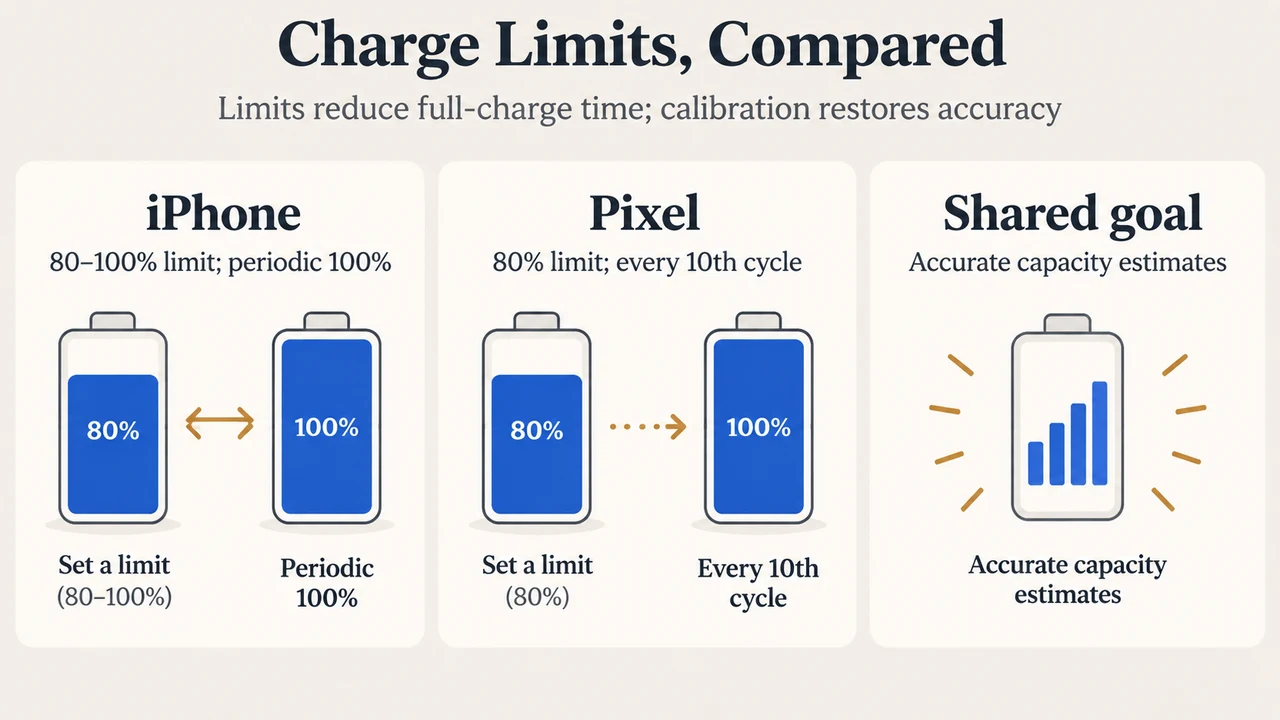
Smartphones from Apple and Google offer built-in battery charging limits designed to help prolong battery lifespan by reducing the time a device spends fully charged. However, users who enable an 80% limit may notice that their phone occasionally charges to 100%. According to documentation from Apple Support and Google Pixel Help, this occasional full charge is done to maintain accurate battery capacity and state-of-charge estimates.
Supported Hardware and Feature Scope
Charging limit controls differ across manufacturers and device models:
- Apple iPhone: Selecting a charge limit between 80% and 100% in 5% increments is available on iPhone 15 models and later. On iPhone 14 models and earlier, users can turn Optimized Battery Charging on or off.
- Google Pixel: The “Limit to 80%” option is available on Pixel 6a and later models. In addition, Pixel 3 and later devices running Android 11 or later automatically limit charging to approximately 70% to 80% under continuous charging for several hours in high temperatures or continuous charging for several days.
Why Phones with an 80% Limit Still Charge to 100%
Rechargeable lithium-ion batteries chemically age based on factors such as temperature history and charging patterns. While limiting the charge level reduces wear on the battery, both operating systems periodically charge to 100% to keep readings accurate:
- iPhone Behavior: When the charge limit is set to less than 100% on an iPhone 15 or later, the phone occasionally charges to 100% to maintain accurate battery state-of-charge estimates. Under standard limit behavior, the device charges within a few percentage points of the chosen limit and stops charging. If the charge drops more than 5% while still plugged in, charging resumes up to within a few points of the limit.
- Pixel Behavior: On supported Pixel models with “Limit to 80%” enabled, Google states that the phone needs to fully charge at every 10th cycle to keep battery capacity readings accurate. To complete this process, Google advises leaving the phone plugged in for at least 30 minutes after the screen displays 100%.
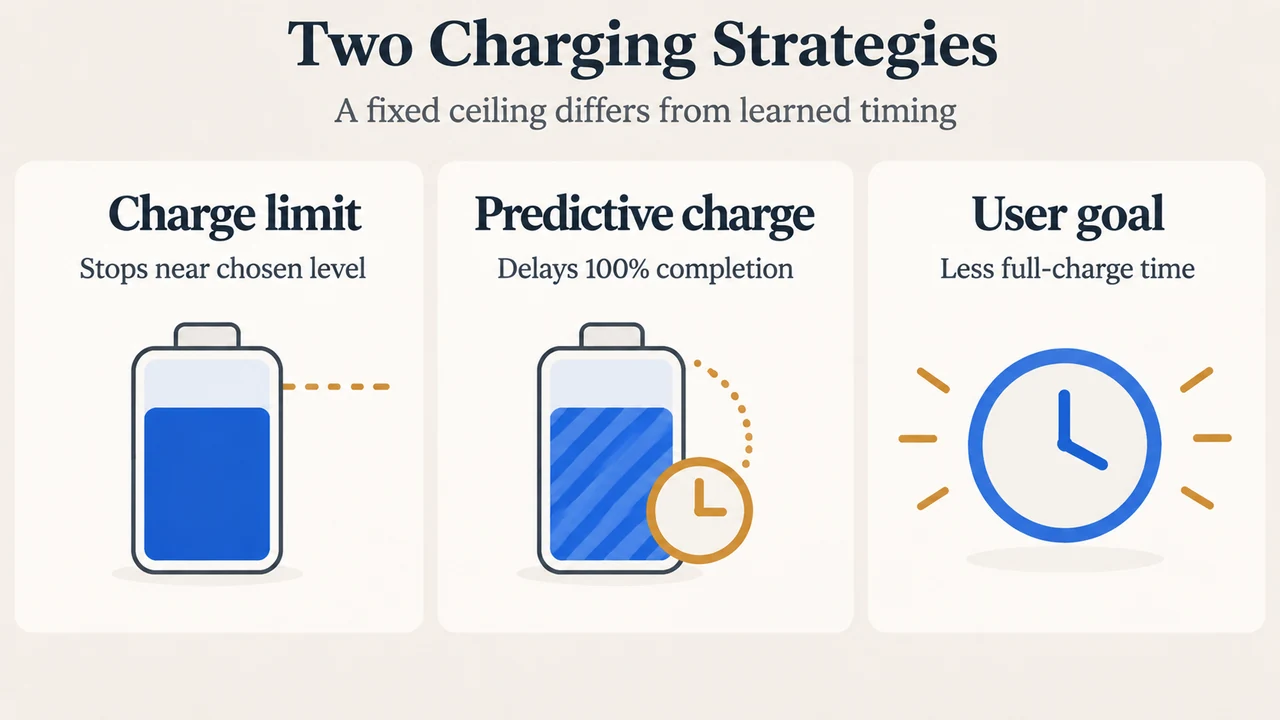
How Charge Limiting Compares to Predictive Charging
Both manufacturers provide separate options that delay reaching full capacity based on learned routines:
- Apple Optimized Battery Charging: Available when the charge limit is set to 100%, this feature uses on-device machine learning to learn daily charging routines, delaying charging past 80% until shortly before unplugging. It requires at least 14 days to learn charging habits and needs at least 9 charges of 5 hours or more in a given location before engaging.
- Google Adaptive Charging: On Pixel 4a and later, this feature learns charging habits and may charge to 100% roughly one hour before unplugging during long sessions. On Pixel 4, it activates when charging between 9 PM and 4 AM with an active alarm set for 3 AM to 10 AM. It requires approximately 14 days to learn charging habits.
Configuring Charging Limits
To view or adjust charging limits on supported devices:
- iPhone 15 and Later: Open Settings > Battery > Charging and select a target limit between 80% and 100%. When set to 100%, Optimized Battery Charging can be enabled.
- Google Pixel (Pixel 6a and Later): Open Settings > Battery > Battery health > Charging optimization, turn on Use charging optimization, and select Limit to 80% or Adaptive Charging.
Text version of the diagrams
- Charge Limits, Compared: iPhone — 80–100% limit; periodic 100%; Pixel — 80% limit; every 10th cycle; Shared goal — Accurate capacity estimates
- Two Charging Strategies: Charge limit — Stops near chosen level; Predictive charge — Delays 100% completion; User goal — Less full-charge time
Research Scope and Limitations
This explainer was prepared from the supplied public vendor support documentation published by Apple Support and Google Pixel Help. Material limitations include the absence of third-party hardware tests, laboratory benchmarks, or battery teardowns in the visible evidence, as well as the unavailability of competing third-party coverage during review. Technical behavior not covered in the supplied official vendor documentation is excluded.