Modern smartphone operating systems allow users to limit battery charging to around 80 percent instead of filling the battery to 100 percent every time it is plugged in. On Google Pixel phones running Android and on Apple iPhone devices running iOS, these controls are designed to lessen chemical wear on lithium-ion batteries by reducing the time the cell spends fully charged. However, Google and Apple implement these boundaries differently across device generations, feature toggles, and periodic recalibration routines.
Supported Devices and System Scope
Charging cap controls and predictive routines are tied to specific hardware generations and software versions:
- Google Pixel: The manual “Limit to 80%” setting is available on Pixel 6a and later devices under Settings > Battery > Battery health > Charging optimization. On Pixel 3 and later running Android 11 or newer, an automated system protection feature independently caps charging to roughly 70% to 80% during prolonged exposure to high temperatures or multi-day continuous charging.
- Apple iPhone: The manual “Charge Limit” feature is restricted to iPhone 15 models and later under Settings > Battery > Charging. On iPhone 14 models and earlier, iOS offers only binary on/off control for “Optimized Battery Charging” without selectable numerical percentage caps.
Predictive Adaptive Charging vs. Hard Charge Limits
Both manufacturers divide battery preservation into two distinct strategies: intelligent delay routines (which still reach 100%) and strict percentage ceilings (which stop earlier).
Google Pixel offers Adaptive Charging. This routine learns charging habits over roughly 14 days and completes charging to 100% approximately one hour before the user is predicted to unplug the device. When active, Pixel displays a notification indicating when the phone will reach full charge. If charging habits vary substantially, such as during travel, Adaptive Charging may not engage.
Apple iPhone provides Optimized Battery Charging, which is enabled by default when setting up the device. Under this routine, the iPhone delays charging past 80% in situations where extended power connection is predicted, completing the final 20% before unplugging. Apple documentation notes that this feature requires at least 14 days to learn habits, and specifically requires at least 9 charges of 5 hours or more in a given location to engage. Users can override an active delay on the Lock Screen by touching and holding the charging notification and tapping “Charge Now.”
In contrast to delay routines, hard limits avoid the top 20% altogether during normal daily cycles:
- Pixel “Limit to 80%”: When selected under Charging optimization, the device halts charging once it hits 80%. Google notes this setting is ideal if users routinely finish their day with leftover charge.
- iPhone “Charge Limit”: On iPhone 15 and later, users can set limits between 80% and 100% in 5% increments (e.g., 80%, 85%, 90%, 95%, 100%). When set to 100%, Optimized Battery Charging can remain active alongside it. The device charges to within a few percentage points of the target limit, pauses, and resumes charging only if the battery level drops more than 5% while remaining connected to power. iOS may also surface habit-based recommendations, such as suggesting a 95% limit to preserve battery lifespan.
Summary of Official Battery Limit Features
| Feature & OS | Supported Hardware | Operating Mechanism | Periodic Recalibration to 100% |
|---|---|---|---|
| Pixel Limit to 80% (Android) |
Pixel 6a and later | Hard stops charging when battery level reaches 80%. | Charges to 100% at every 10th cycle (requires 30 min plugged past 100%). |
| Pixel Adaptive Charging (Android) |
Pixel 4 (alarm-based); Pixel 4a and later (predictive) | Learns habits over ~14 days; delays final charge to finish 1 hour before unplugging. | Not applicable (targets 100% daily). |
| Pixel Battery Protection (Android 11+) |
Pixel 3 and later | Automatic cap to ~70%–80% during high temperature charging or multi-day continuous plugin. | Automatically deactivates when conditions clear; overrideable via Settings or restart. |
| iPhone Charge Limit (iOS) |
iPhone 15 models and later | Adjustable limit from 80% to 100% in 5% increments; resumes if charge drops >5%. | Occasionally charges to 100% to maintain state-of-charge gauge accuracy. |
| iPhone Optimized Battery Charging (iOS) |
iPhone 15+ (at 100% limit); iPhone 14 and earlier (standalone toggle) | Delays charging past 80% until shortly before unplugging; requires 14 days and location habits. | Not applicable (targets 100% daily). |
Periodic 100% Recalibration Exceptions
Readers frequently notice their phone charging to 100% despite having configured an 80% ceiling. Both Google and Apple explicitly document that this is intentional and necessary for battery gauge management.
On Google Pixel, the system needs to fully charge at every 10th cycle to keep battery capacity readings accurate. Google specifies that to complete this calibration process, the phone must remain plugged in for at least 30 minutes after the screen reaches 100%.
On Apple iPhone, when Charge Limit is set to less than 100 percent, iOS will occasionally charge the battery to 100 percent in order to maintain accurate battery state-of-charge estimates.
Trade-Offs and When to Use Each Setting
Deciding between an 80% limit and full charging involves a direct trade-off between single-day runtime and chemical wear over time:
- Use an 80% Limit: If your regular usage leaves 20% or more battery at the end of the day, or if the device remains plugged into power for extended periods (such as at a desk or in a vehicle mount). Capping the top charge reduces prolonged exposure to high charge states, which chemically stresses lithium-ion cells.
- Use Adaptive / Optimized Charging: If you regularly need 100% capacity to complete a full day away from chargers. This gives you full daily runtime while minimizing the hours the battery sits at 100% overnight.
- Temporarily Disable Limits: When traveling, entering long work shifts, or during schedule disruptions where access to charging is unpredictable. Google notes that users should turn off “Limit to 80%” whenever longer single-session battery life is needed.
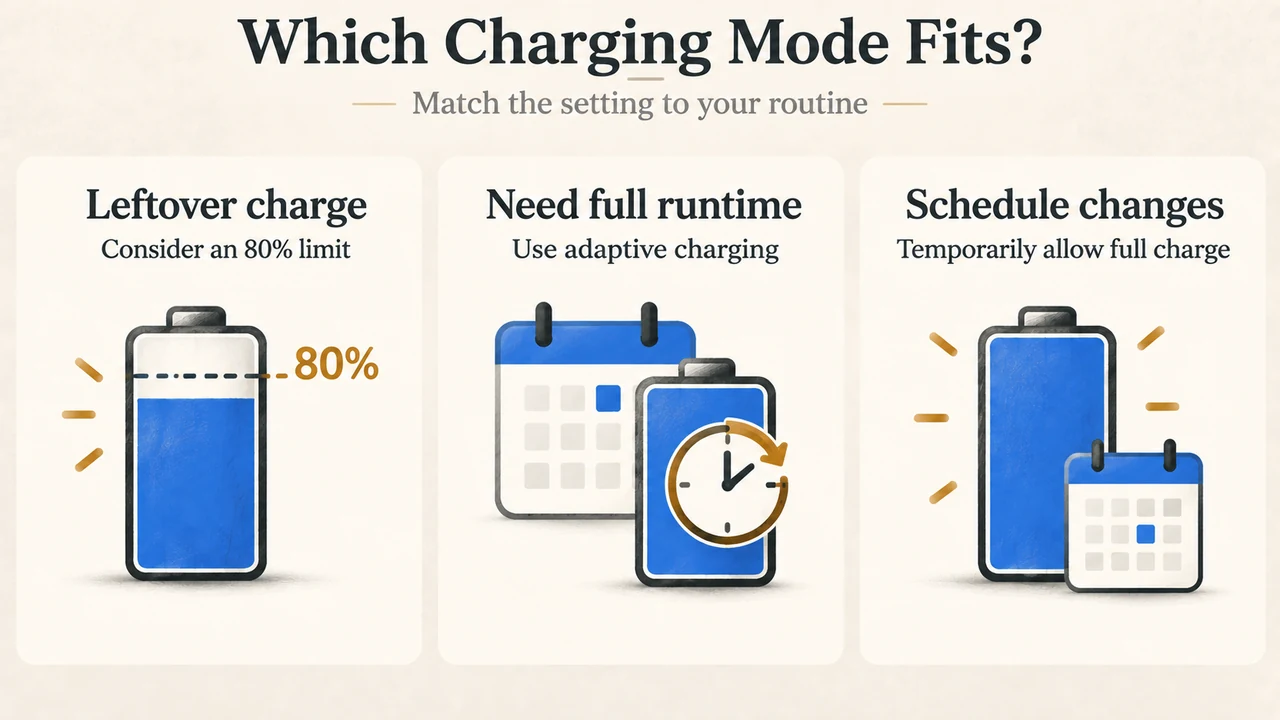
Text version of the diagrams
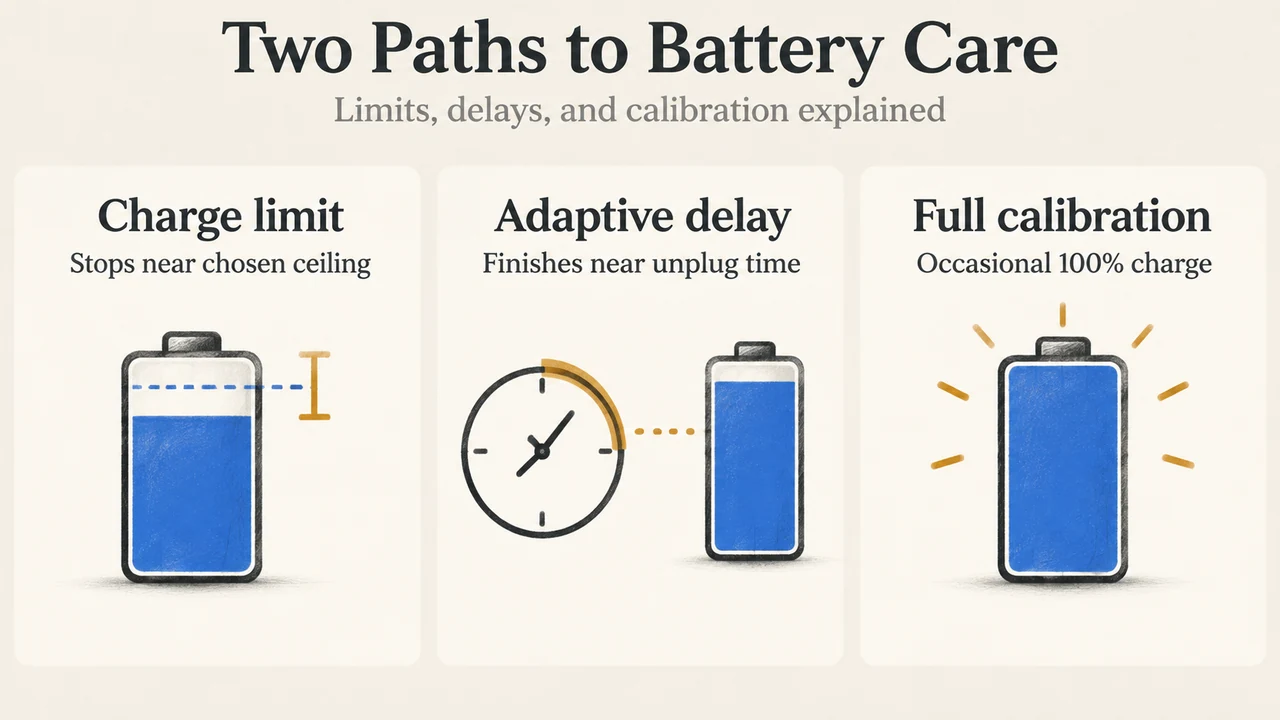
- Two Paths to Battery Care: Charge limit — Stops near chosen ceiling; Adaptive delay — Finishes near unplug time; Full calibration — Occasional 100% charge
- Which Charging Mode Fits?: Leftover charge — Consider an 80% limit; Need full runtime — Use adaptive charging; Schedule changes — Temporarily allow full charge
Research Methodology and Limitations
This explainer was synthesized exclusively from official vendor documentation published by Google Support and Apple Support retrieved in September 2026. This article contains no third-party laboratory benchmark data, accelerated battery degradation testing, proprietary internal telemetry, or hands-on wear measurements. Third-party competitive search results were inaccessible at the time of compilation, and explanations are restricted to publicly verified vendor feature specifications.