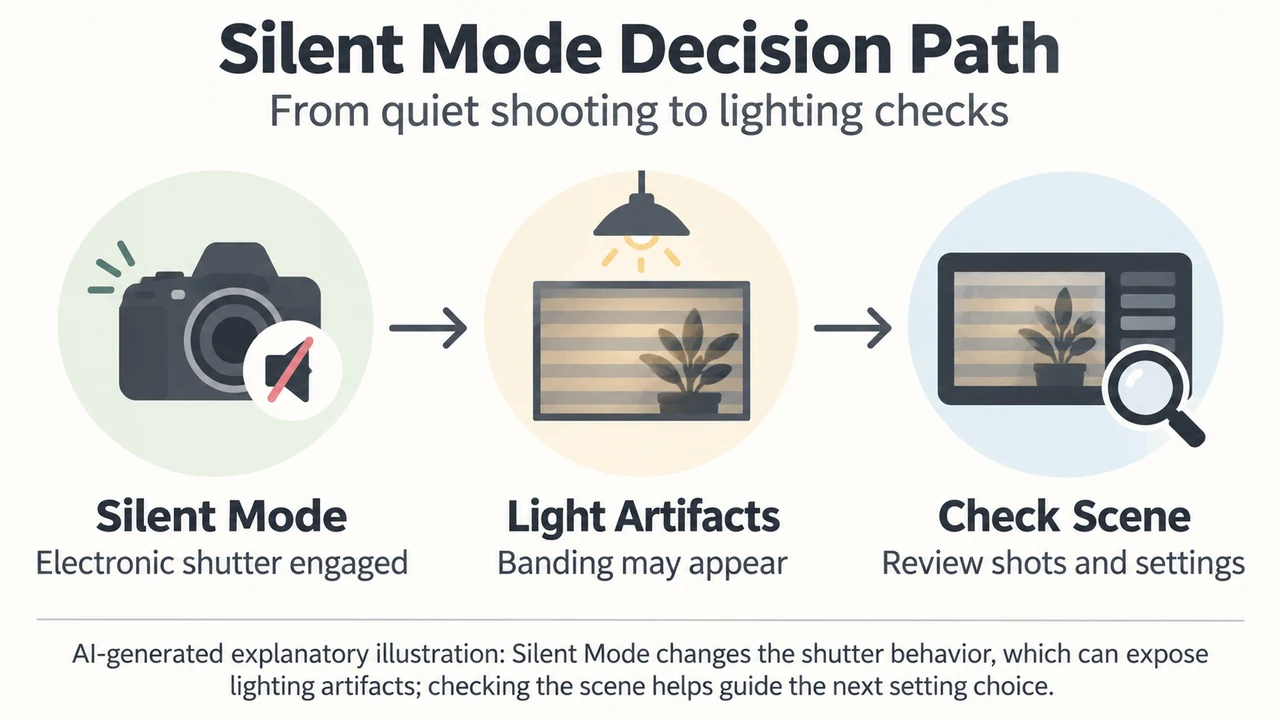
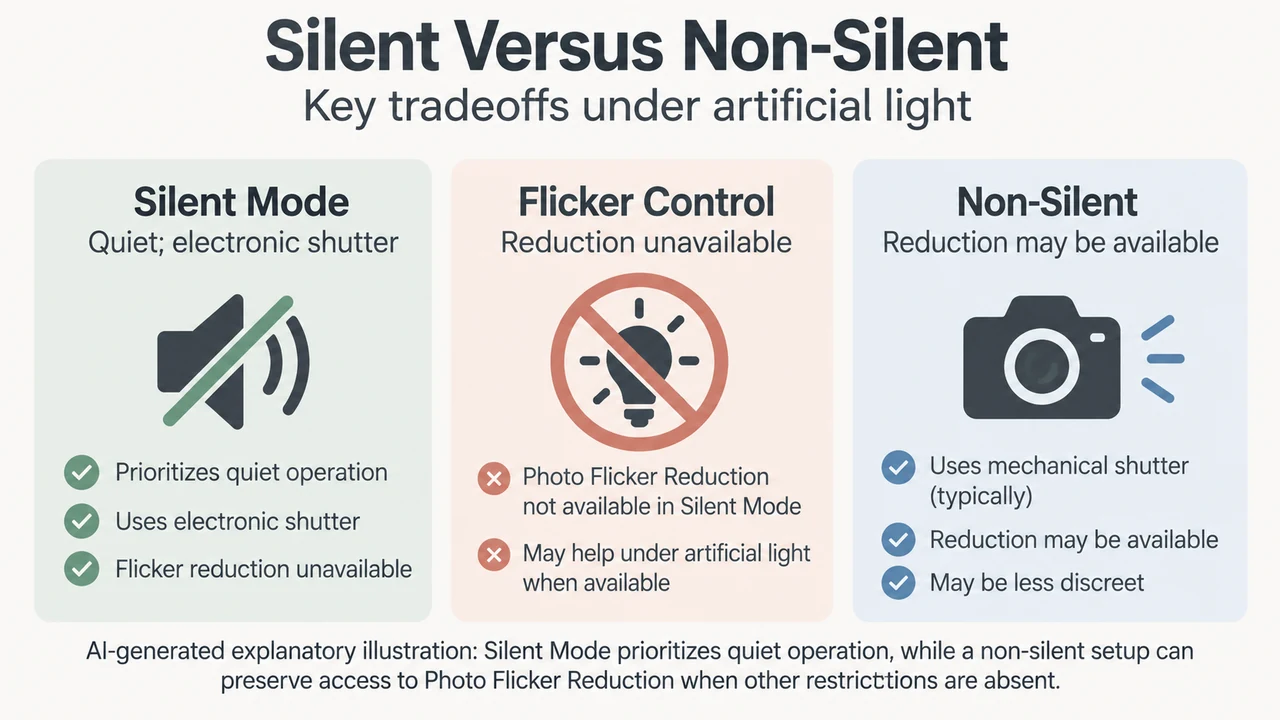
On the Nikon Z6III, selecting Silent Mode enables the electronic shutter to eliminate shutter shock noise and vibration. However, enabling Silent Mode also disables Photo Flicker Reduction in the photo shooting menu. Under certain artificial lighting, photographers may notice flicker or banding across the frame.
Menu Restrictions and Flicker Reduction
The Nikon Z6III includes a Photo Flicker Reduction feature in the photo shooting menu. This feature detects flicker at 100 Hz and 120 Hz, which correspond to 50 Hz and 60 Hz AC power supplies, to reduce uneven exposure or color inconsistencies. However, the reference guide states that Photo Flicker Reduction does not take effect under the following conditions:
- When Silent Mode is set to ON.
- When [Electronic shutter] is selected for Custom Setting d6 [Shutter type].
- During high-speed frame capture +.
- During HDR overlay.
- During pixel shift shooting.
When Silent Mode is turned on, the camera uses the electronic shutter regardless of the option selected for Custom Setting d6. Because Silent Mode automatically disables Photo Flicker Reduction, the camera cannot apply flicker reduction under these conditions.
Documented Visual Artifacts and Operational Behavior
The Nikon Z6III reference manual notes that the following artifacts may appear in the shooting display and in recorded photographs when using Silent Mode:
- Flicker or banding in scenes lit by fluorescent, mercury-vapor, or sodium lamps.
- Distortion associated with motion, such as moving subjects or moving the camera during shooting.
- Jagged edges, color fringing, moiré, or bright spots.
- Bright regions or bands in scenes lit by flashing signs, strobes, or other intermittent light sources.
The manual also specifies additional operational changes when Silent Mode is enabled:
- Optional flash units mounted on the camera will not fire.
- [Long exposure NR] is disabled.
- The frame advance rate may drop in some circumstances.
- The beep speaker is muted, but sounds from autofocus and aperture adjustments remain audible, especially at apertures smaller than f/5.6.
- A sound is still produced when the standby timer activates or expires, unless Custom Setting c3 [Power off delay] > [Standby timer] is set to [No limit].
- Silent Mode does not absolve photographers of the need to respect subjects’ privacy and image rights.
Text version of the diagrams
- Silent Mode Decision Path: Silent Mode — Electronic shutter engaged; Light Artifacts — Banding may appear; Check Scene — Review shots and settings
- Silent Versus Non-Silent: Silent Mode — Quiet; electronic shutter; Flicker Control — Reduction unavailable; Non-Silent — Reduction may be available
Pre-Shoot Decision Checklist
Before using Silent Mode under artificial lighting, review these documented settings and conditions:
- Check lighting sources: Note whether the venue uses fluorescent, mercury-vapor, sodium, or intermittent lighting where banding or flicker may appear.
- Confirm flash and noise reduction needs: If you need a mounted flash unit or Long Exposure NR, do not enable Silent Mode.
- Inspect test shots: Check the display for banding stripes, flicker, or motion distortion under your scene’s lighting.
- Evaluate shutter settings: If flicker or banding is observed in Silent Mode, turning Silent Mode off allows access to shutter options in Custom Setting d6 and enables Photo Flicker Reduction, provided other restrictions like HDR overlay or high-speed frame capture + are not active.