If fall detection and emergency calling matter most, choose by connection and region first. Apple documents Fall Detection on Apple Watch SE or later, Series 4 or later, and Ultra or later. Google documents Fall Detection for adult users on supported Pixel Watch models, but says availability depends on country, network connectivity and other factors.
Neither company promises to detect every fall. Apple says the watch cannot detect all falls. Google says Pixel Watch Fall Detection may not detect all falls and may not be reliable for emergency communications. These are safety aids, not a guarantee of help.
What happens after a detected fall?
Apple Watch
When a supported Apple Watch detects a hard fall while worn, it taps your wrist, sounds an alarm and shows an alert. If it detects that you are moving, it waits for you to respond. If it detects that you have been immobile for about a minute, it starts a 30-second countdown. If you do not cancel, it automatically contacts emergency services and can send your emergency contacts a message with your location.
Automatic calling requires Wrist Detection to be turned on. Apple says Fall Detection needs a satellite connection, cellular connection, or Wi-Fi Calling with an internet connection from the watch or a nearby iPhone. Location sharing and emergency-contact notification vary by country or region. Apple also says emergency contacts may not be notified automatically if Messages is not the selected text-messaging app or has been deleted.
Google Pixel Watch
Google says that, after a hard fall is detected, Pixel Watch waits about 30 seconds before vibrating, ringing loudly and asking whether you want to call emergency services. If you do not respond, it alarms again and calls emergency services after 60 seconds with an automated voice message. If you have granted permission to share your location, the watch can share it with emergency services.
Google says Fall Detection is available only to adults, is not available in all countries, and depends on network connectivity and other factors. For a Pixel Watch without 4G LTE to call emergency services, the paired phone must be nearby. Users must grant location permission for Fall Detection to share location externally.
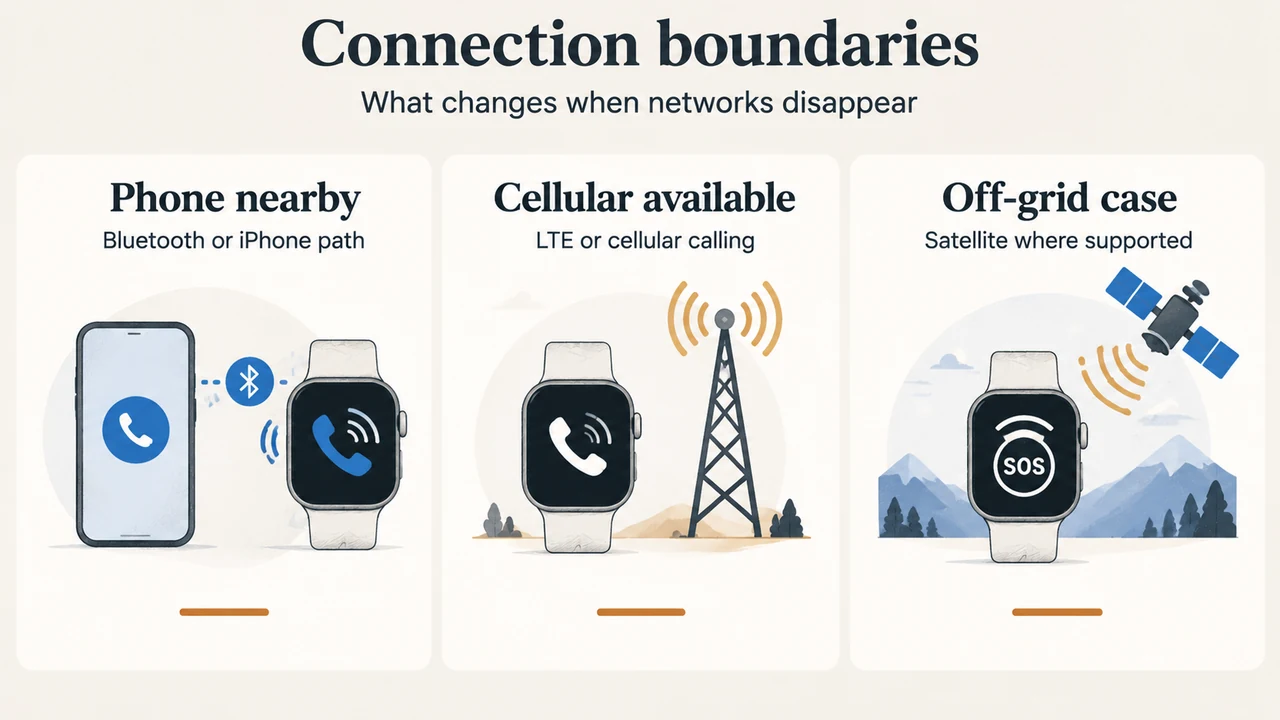
Phone, Wi-Fi and LTE requirements
| Situation | Apple Watch | Google Pixel Watch |
|---|---|---|
| Watch uses a nearby phone | A nearby iPhone can provide Wi-Fi Calling with an internet connection. | The Wi-Fi version relies on a nearby phone paired through Bluetooth. |
| Watch calls without the phone nearby | Cellular models can make emergency calls in many locations when cellular service is available. | Google says Pixel Watch LTE does not need a phone, but it needs an active LTE connection. Certain regions require an active LTE carrier or Safety Signal. |
| No usable mobile or Wi-Fi network | Apple documents satellite communication for some Fall Detection notifications when the required device, region and line of sight are available. | Satellite SOS is separately documented for Pixel Watch 4 LTE and Pixel Watch 5 LTE in listed countries. |
These are documented connection paths, not universal guarantees. Apple notes that some cellular networks may not accept an emergency call if the watch is not activated, is not compatible with or configured for the network, lacks cellular setup, or the network does not support emergency calling over IMS. Google warns that LTE emergency calling may not work in all countries without an active LTE connection or Safety Signal.
Model and regional limits that affect the decision
For Apple Fall Detection, the supplied Apple documentation names Apple Watch SE or later, Series 4 or later, and Ultra or later. Apple’s separate Emergency SOS documentation says international emergency calling is supported on Series 5 or later GPS + Cellular, SE or later GPS + Cellular, and all Ultra models, with country and region limits. A non-cellular watch needs a nearby iPhone for international emergency calling.
For Google, the supplied safety page states that LTE versions of Pixel Watch 2, 3 and 4 can provide safety features without the phone nearby, subject to connection limits. Its feature table lists Fall Detection for Pixel Watch, Pixel Watch 2, Pixel Watch 3 and Pixel Watch 4, while the supplied Satellite SOS page specifically covers Pixel Watch 4 LTE and Pixel Watch 5 LTE. The excerpts do not establish every feature’s behavior on every Pixel Watch 5 configuration, so this guide does not generalize beyond those documented points.
Google’s listed Fall Detection regions include Australia, Austria, Belgium, Canada, Denmark, France, Germany, India, Ireland, Italy, Japan, Norway, the Netherlands, Portugal, Singapore, Spain, Sweden, Switzerland, Taiwan, the United Kingdom and the United States, with language availability also listed by Google. If a Pixel Watch user travels to an unsupported region, Google says Fall Detection becomes temporarily unavailable.
What Pixel Watch satellite SOS adds
Google’s supplied Satellite SOS page says the feature is available only on Pixel Watch 4 LTE and Pixel Watch 5 LTE, in the United States and the specifically listed countries. It is intended for an emergency without Wi-Fi or mobile network coverage. The user must find an open outdoor space with a clear sky, answer an emergency questionnaire, and position the watch as directed to connect to a satellite.
This is a text conversation rather than a promise of an immediate voice call. Google says connection and response times vary by location, site conditions and other factors; after connection, the emergency service provider should reply by text within a few minutes. The service must first be activated after required software and connections are updated and registration with the satellite network is complete, which Google says can take several hours.
Which watch fits which documented need?
- You already use an iPhone: Apple’s documented Fall Detection and Emergency SOS paths use the Apple Watch, a nearby iPhone, cellular service, Wi-Fi Calling, or—where supported—satellite communication.
- You use a Pixel Watch without LTE: Plan on the paired phone being nearby and connected through Bluetooth for emergency calling.
- You need watch-based calling away from the phone: Apple identifies cellular models as a path where cellular service is available. Google identifies Pixel Watch LTE as a path, but requires an active LTE connection and notes regional limits.
- You regularly go beyond mobile and Wi-Fi coverage: The supplied Google documentation limits Satellite SOS to Pixel Watch 4 LTE and 5 LTE in listed countries. Apple’s supplied documentation describes satellite communication for some Fall Detection notifications only when the stated device, region and line-of-sight conditions apply.
Bottom line
For either brand, verify the exact watch configuration, phone relationship, carrier or network path, country support and location permissions before relying on the feature. Apple provides a documented fall-alert countdown and automatic emergency call when the wearer remains immobile. Google documents a roughly 30-second alert stage followed by an emergency call after 60 seconds without a response. Those timings describe the supplied documentation; they do not guarantee that a call will connect or that every fall will be recognized.
Research method and limitations: This article was prepared only from the supplied public Apple and Google support excerpts retrieved on September 19, 2026, plus the supplied competitor excerpt for coverage comparison. It makes no hands-on, lab, benchmark or comprehensive product-review claim. One Google safety passage was supplied with excerpt boundaries and truncation, so statements are limited to the visible text. Availability, carrier support, software requirements and emergency-service behavior can change by country and configuration; check the linked official pages before purchase or travel.
Text version of the diagrams
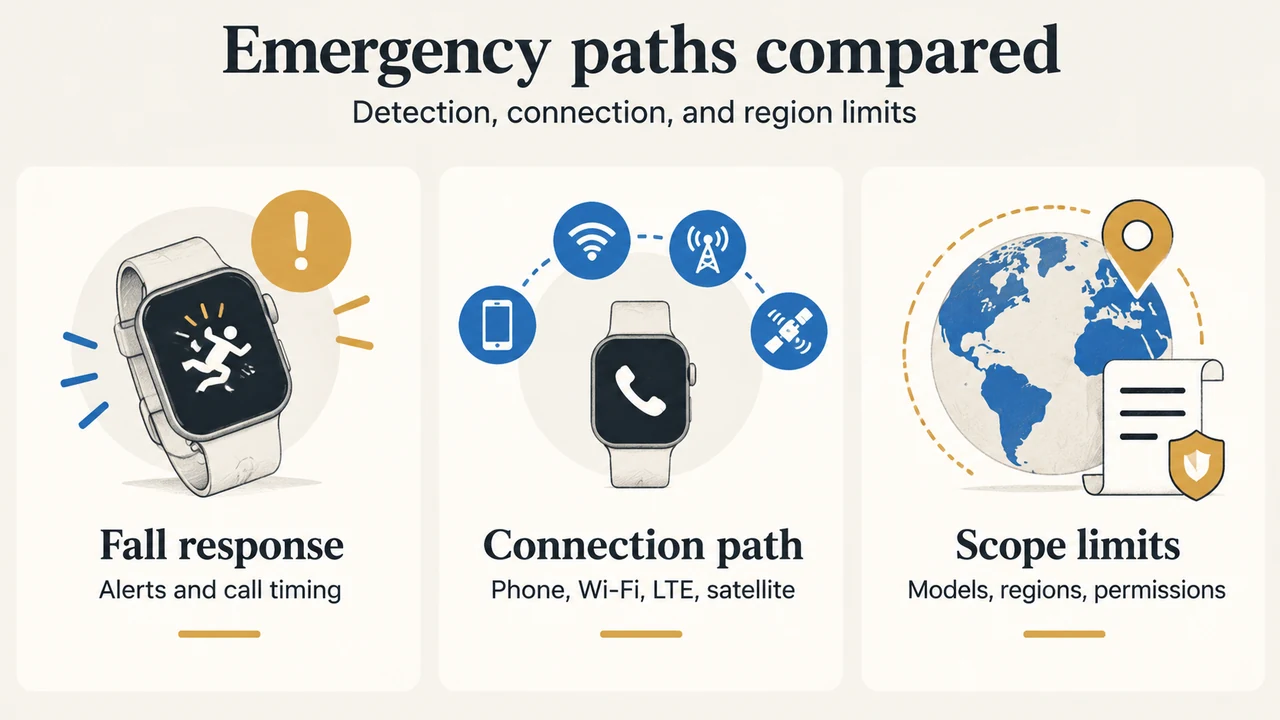
- Emergency paths compared: Fall response — Alerts and call timing; Connection path — Phone, Wi-Fi, LTE, satellite; Scope limits — Models, regions, permissions
- Connection boundaries: Phone nearby — Bluetooth or iPhone path; Cellular available — LTE or cellular calling; Off-grid case — Satellite where supported