Google launched the Gemini app for Windows on September 10, 2026. The app supports PCs running Windows 10 or later, requires at least 8 GB of RAM and 200 MB of available storage, and needs a stable internet connection. You also need a personal Google Account, or a work or school account where an administrator has enabled Gemini.
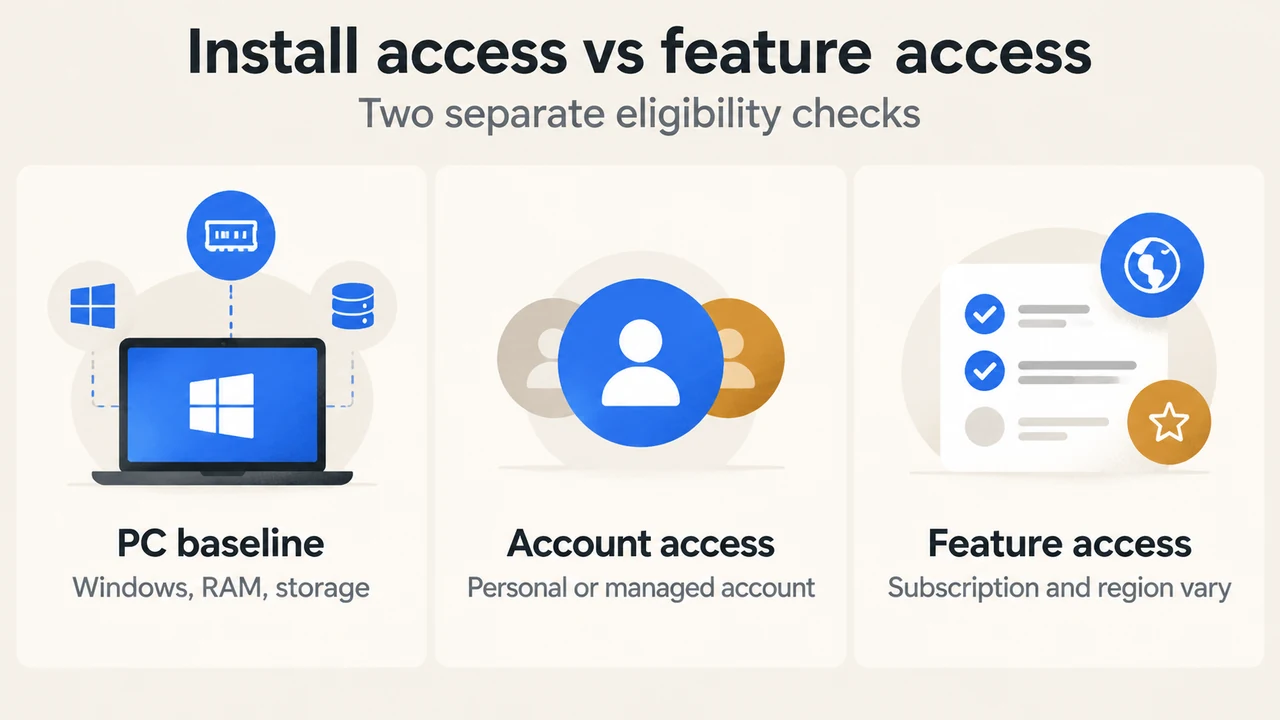
These requirements describe whether the app can be installed. They do not guarantee access to every Gemini feature. Google’s launch announcement marks Gemini Spark and Gemini Omni as requiring a Google AI subscription and says their availability varies. Account eligibility and region can therefore matter alongside the PC specifications.
Quick eligibility check
| Check | What Google documents | What it means |
|---|---|---|
| Windows version | Windows 10 or later | A supported Windows release is required. |
| Memory | 8 GB of RAM or more | Less than 8 GB does not meet the published requirement. |
| Storage | At least 200 MB available | This is the stated installation-space requirement. |
| Account | Personal Google Account, or managed work or school account with Gemini enabled | A managed account may depend on administrator access. |
| Connection | Stable internet connection | The published requirements include internet access. |
If your PC meets each listed condition, it matches Google’s published baseline for the Windows app. That is an eligibility check, not a performance test. The supplied Google documentation does not establish how the app will perform on a particular PC.
What the Windows app documents
Google describes the app as a way to access Gemini from the Windows desktop. The documented quick-access shortcut is Alt + Space. The Windows support page lists answers, drafting, summaries, brainstorming, coding help and image analysis among the app’s capabilities.
The launch announcement also describes a dedicated workspace. It names Gemini Spark for multi-step tasks involving information from Google apps such as Gmail and Google Drive. It separately describes custom image creation with Nano Banana and high-quality video creation with Gemini Omni. The announcement’s footnote marks Gemini Spark and Gemini Omni as requiring a Google AI subscription and says their availability varies. The supplied evidence does not apply that subscription note directly to Nano Banana.
Why installation does not guarantee every feature
There are separate checks for the app and for individual capabilities. A PC can satisfy the Windows, memory and storage requirements while an account or region does not qualify for a particular feature.
Google’s web-app availability page says the Gemini web app is available in more than 70 languages and over 230 countries and territories, and lists supported countries and languages. That page also warns that the mobile app may have different availability. It does not establish that every Windows-app feature is available in every listed location.
The supported conclusion is limited: Google says the Windows app is available globally, while its launch announcement says Gemini Spark and Gemini Omni require a Google AI subscription and have variable availability. The sources do not provide a complete feature-by-feature regional or subscription matrix for the Windows app.
What to expect from the setup path
Google’s Windows support page says to go to gemini.google/desktop, download the Windows installer, follow the on-screen instructions, open Gemini from the Start menu and sign in with a Google Account. It also documents the Alt + Space shortcut and says that an available update can prompt you to restart Gemini to install it.
This is the documented installation path, not a promise that every account will show the same features after sign-in. Work and school accounts can have Gemini access controlled by an administrator.
Who should consider the app
The app is a reasonable candidate for a Windows user who wants desktop access to Gemini and whose PC meets Google’s baseline requirements. The shortcut may be useful if quick access matters, and Google documents writing, summarising, brainstorming, coding and image-analysis uses.
Before expecting Gemini Spark or Gemini Omni, check the subscription, account and region conditions that apply to your use case. Google marks those two named features as subscription-dependent and says their availability varies. Google also describes Nano Banana image creation, but the supplied evidence does not mark it as subscription-dependent.
Research method and limitations
This article was prepared from the supplied public Google announcement and support excerpts retrieved on September 23, 2026, plus the supplied competitor excerpts used only to review coverage. It makes no hands-on, lab, benchmark or comprehensive feature-review claim. The competitor passages were truncated, and the Google excerpts do not provide a complete feature-by-feature regional or subscription eligibility matrix. Statements above are limited to the visible documentation.
Text version of the diagrams
- Install access vs feature access: PC baseline — Windows, RAM, storage; Account access — Personal or managed account; Feature access — Subscription and region vary
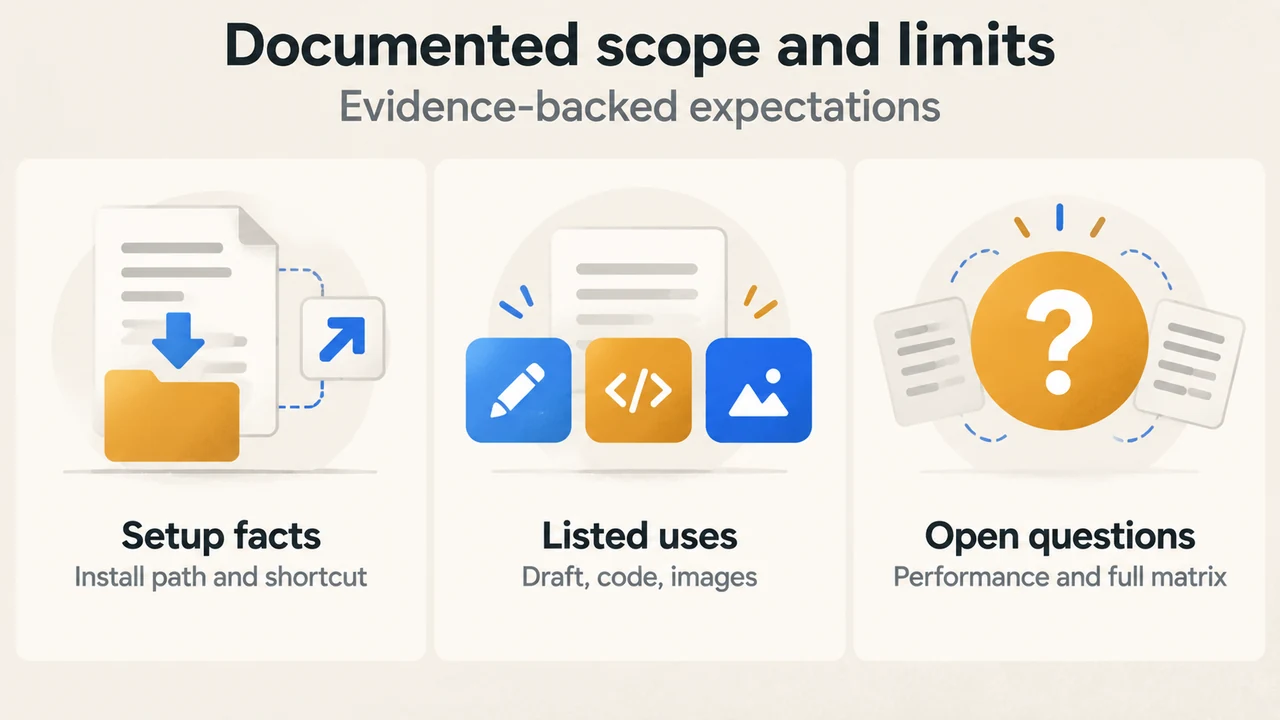
- Documented scope and limits: Setup facts — Install path and shortcut; Listed uses — Draft, code, images; Open questions — Performance and full matrix
Sources
- Google: The Gemini app is now available for Windows — launch date, Windows scope, shortcut, documented feature examples, and the subscription and availability note for Gemini Spark and Gemini Omni.
- Google Gemini Help: Use the Gemini app for Windows — requirements, account conditions, installation path, shortcut and listed capabilities.
- Google Gemini Help: Where you can use the Gemini web app — visible language and country availability information and the mobile-app limitation.