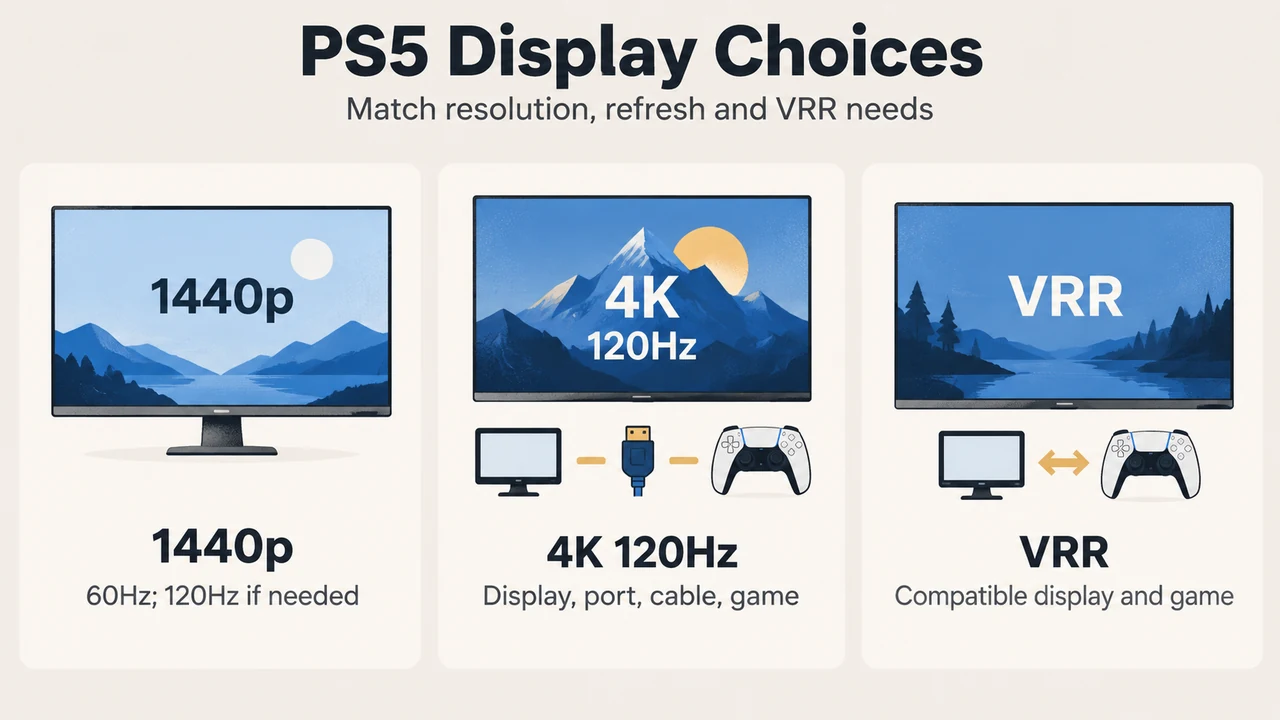
For PS5 and PS5 Pro, a display’s advertised refresh rate does not by itself guarantee 120Hz output. Sony’s documented requirements depend on the console’s video settings, the display’s supported signal, the HDMI connection and whether the game supports the relevant frame rate or feature.
A 1440p display can be a valid PS5 choice if it supports 1440p output. A 4K display is the relevant choice for 2160p output, and Sony documents 4K 120Hz support on PS5 consoles when the display, connection and game support it. VRR also needs a compatible display and compatible PS5 games.
What PS5 supports at 1440p
Sony says PS5 1440p output works with a compatible PC monitor or TV that supports 1440p at 60Hz, or 1440p at both 60Hz and 120Hz. On the console, go to Settings > Screen and Video > Video Output, set Resolution to 1440p, and use Test 1440p Output to test SDR, HDR, 60Hz, 120Hz and VRR output options.
Sony also says that games with a higher native resolution, such as 4K, may benefit from improved anti-aliasing through supersampling when output is set to 1440p. That statement does not mean every game renders natively at 4K or that every game supports 1440p output in the same way.
What 4K and 120Hz require
For 4K output, Sony lists these requirements: a compatible 4K screen, the console connected to that screen, and the PS5 video-output resolution set to 4K Resolution or 2160p. Sony says PS5 consoles support the HDMI 2.1 specification and 4K 120Hz video output.
That is a capability statement, not a promise that every game or display will deliver 4K at 120Hz. Sony’s settings guide says 120Hz Output enables 120Hz video output for TVs and games that support a 120Hz frame rate. The display must therefore support the signal, and the game must support the frame rate.
Sony’s troubleshooting guidance also identifies several connection checks for a missing or reduced 4K 120Hz signal:
- The display should claim support for 4K 120Hz.
- The display should use its latest firmware.
- The cable should be the one included with the PS5 or an Ultra High-Speed Cable rated for 4K 120Hz.
- The console should connect directly to the display, unless intermediary equipment is known to support the required signal.
- The cable should use the display’s appropriate HDMI port, such as a port supporting HDMI 2.1.
- PS5 Resolution should be set to Auto or 2160p, and Video Transfer Rate should be set to Auto.
Sony notes that 4K 120Hz support is still subject to display compatibility and that users may encounter issues during the technology’s transition period. If flicker occurs, Sony says selecting a Video Transfer Rate of -1 or -2 limits some 4K output modes, including 4K 120Hz, and may improve picture quality.
Where VRR fits
VRR, or variable refresh rate, lets the display’s refresh rate adjust in real time while using TVs and games that support VRR. Sony’s PS5 features page describes VRR for compatible PS5 games on HDMI 2.1 VRR-compatible TVs and PC monitors.
There are two separate compatibility questions:
| Question | What Sony documents |
|---|---|
| Does the display support VRR? | It must be a compatible HDMI 2.1 VRR display, such as a supported TV or PC monitor. |
| Does the game support VRR? | VRR enhancement applies to compatible PS5 games. Sony also provides an “Apply to Unsupported Games” setting, but warns that unexpected behavior can occur. |
| Does VRR guarantee one result? | No. Sony says results vary depending on the TV being used and the game being played. |
Because Sony documents VRR as dependent on both the display and the game, a monitor that advertises VRR should not be treated as proof that every PS5 title will use it or that every combination will behave identically.
How to read a monitor specification
For a 1440p display, check that the manufacturer documents 1440p at 60Hz, and at 120Hz if that is important to you. For a 4K display, check for 2160p support and the required 120Hz signal if you want 4K 120Hz. For VRR, check for HDMI 2.1 VRR compatibility rather than relying only on a general “gaming” or high-refresh-rate label.
Also check which HDMI port supports the relevant feature. Sony specifically advises using the appropriate HDMI 2.1 port where available and checking the display manual. Sony also notes that not every HDMI 2.1 display necessarily supports ALLM, or Auto Low Latency Mode.
PS5 Pro and 8K: a narrower case
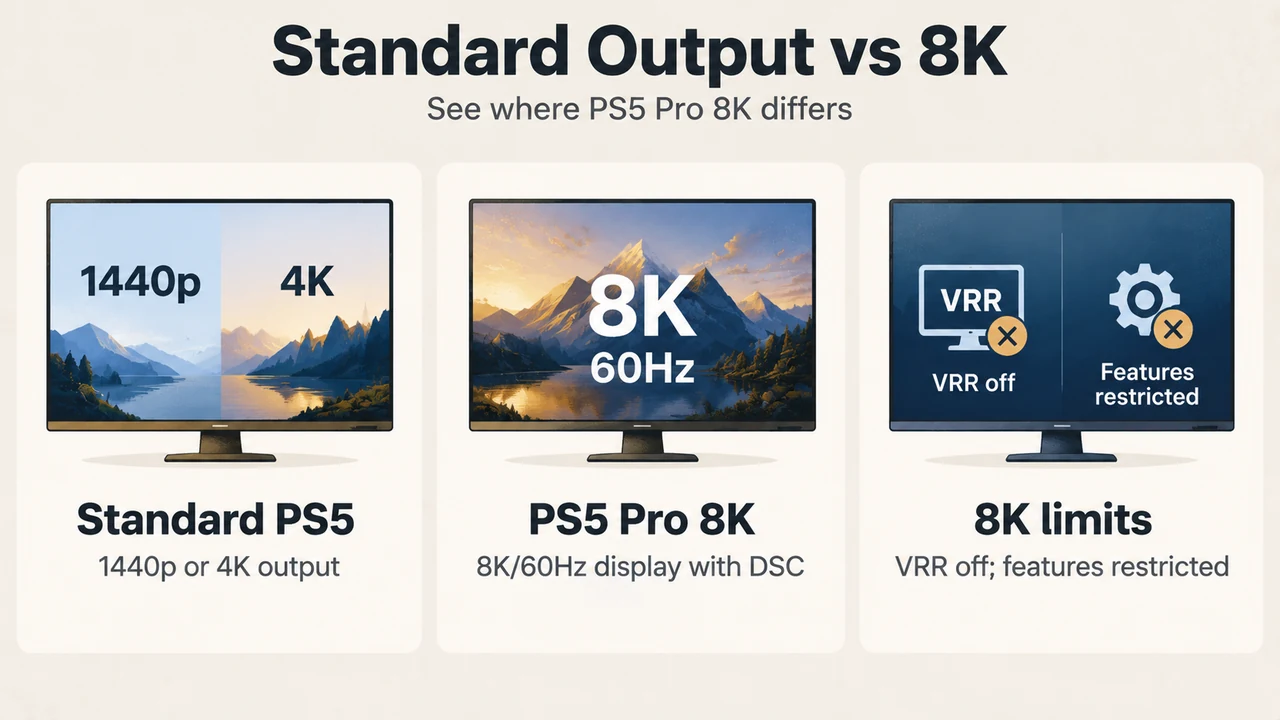
Sony documents 8K output for consoles in the CFI-7000 model group. Its 8K requirements include an 8K display that supports 60Hz video output and Display Stream Compression, or DSC. Sony separately identifies PS5 Pro consoles in its 8K guidance.
Sony lists important limits for PS5 Pro 8K output:
- VRR is disabled during 8K output.
- Two or more of Share Screen, Share Play, broadcasting and Remote Play prevent video output from switching to 8K.
- Connected PlayStation VR prevents 8K output.
- If PlayStation VR2 is connected while the TV is set to 8K, the headset cannot display video.
- Remote Play during 8K output requires Remote Play video quality of 720p or more.
These are documented limits for the stated 8K configuration. They should not be generalized to all PS5 output modes.
Which resolution fits your decision?
| If your priority is… | Check first |
|---|---|
| 1440p output | 1440p support at 60Hz; add 120Hz support if required. |
| 4K output | A compatible 4K display and PS5 output set to 2160p or Auto. |
| 4K 120Hz | Display support, suitable HDMI port, suitable cable, current display firmware and a game that supports 120Hz. |
| VRR | An HDMI 2.1 VRR-compatible display and a compatible PS5 game; Sony says results vary. |
| PS5 Pro 8K | A CFI-7000 model-group console, an 8K/60Hz DSC-capable display and acceptance of the documented 8K limits. |
The practical choice is therefore feature-led. Choose a 1440p display when its supported 1440p modes match the games and output you care about. Choose 4K when 2160p output is the priority. Treat 120Hz and VRR as separate compatibility checks, not automatic results of a display’s headline refresh-rate number.
Text version of the diagrams
- PS5 Display Choices: 1440p — 60Hz; 120Hz if needed; 4K 120Hz — Display, port, cable, game; VRR — Compatible display and game
- Standard Output vs 8K: Standard PS5 — 1440p or 4K output; PS5 Pro 8K — 8K/60Hz display with DSC; 8K limits — VRR off; features restricted
Research method and limitations
This article was prepared from the supplied public PlayStation excerpts retrieved on 19 September 2026. The primary sources were Sony’s PS5 resolution guide and PS5 features page. The supplied competing page was reviewed only for coverage context. Its excerpt did not provide primary technical evidence and was not used to support the advice above. This is a research-based compatibility guide, not a hands-on test, lab benchmark or comprehensive review of every monitor, PS5 game or display firmware version. Display behavior can vary, and Sony’s documentation says results may depend on the TV and game.