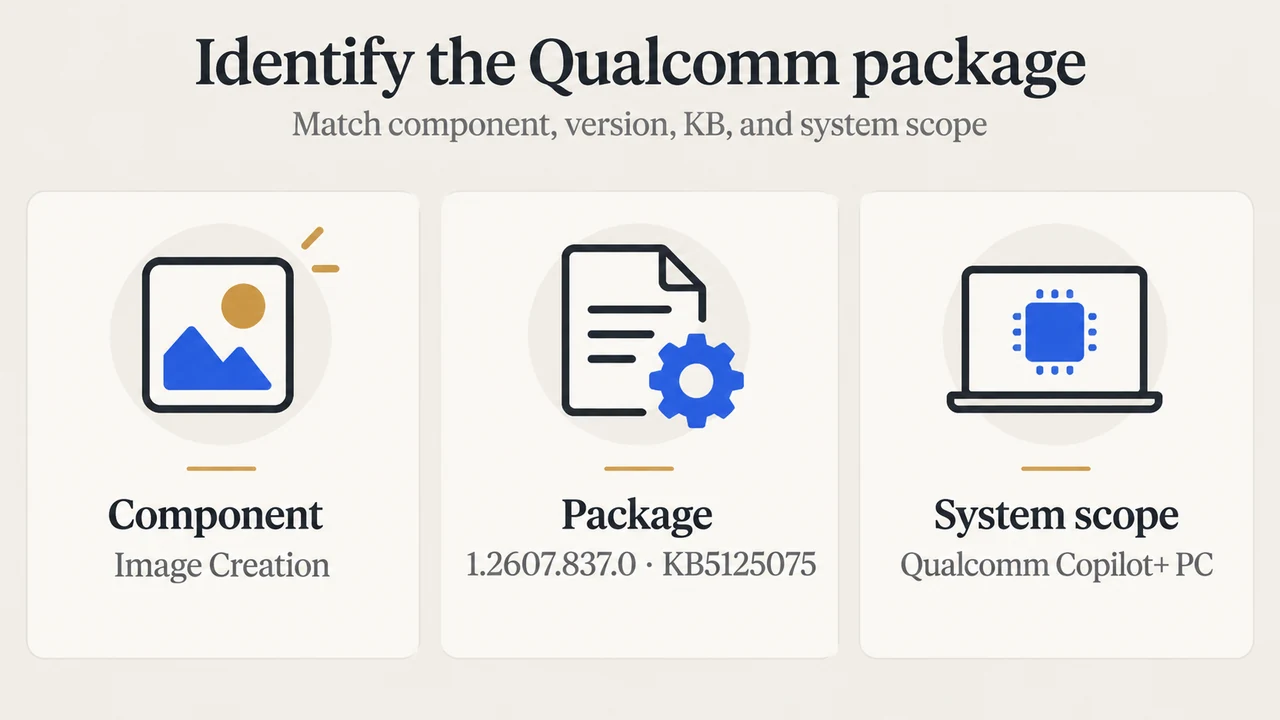
If you have a Qualcomm-powered Copilot+ PC running Windows 11 version 26H1, the August 27, 2026 Image Creation AI component update is version 1.2607.837.0, listed as KB5125075. Microsoft says the update is for Copilot+ PCs only and requires the latest cumulative update for Windows 11 version 26H1.
This article covers that Qualcomm-specific package. The supplied Microsoft excerpts do not provide a complete processor-to-package map for every August 27 release, so this is not a universal guide for AMD-, Intel-, Nvidia-, or other systems.
Which package applies to a Qualcomm-powered PC?
Microsoft’s support article identifies KB5125075 as the Image Creation AI component update for Qualcomm-powered systems. Its recorded details are:
| Item | Microsoft-documented value |
|---|---|
| Windows scope | Windows 11 version 26H1, all editions |
| Device scope | Copilot+ PCs only |
| Component | Image Creation |
| Version | 1.2607.837.0 |
| System type | Qualcomm-powered systems |
| KB article | KB5125075 |
| Availability date | 2026-08-27 |
Microsoft describes Image Creation as an AI component that supports Windows features and apps that generate and edit images directly on the device. The supplied support text also says it uses local AI models and dedicated hardware.
What you need before checking
The KB5125075 support article lists one prerequisite: the latest cumulative update for Windows 11 version 26H1 must be installed. The article does not identify that cumulative update by KB number in the supplied excerpt.
Microsoft says the Image Creation update is downloaded and installed automatically through Windows Update. That means the supported path described in the source is Windows Update, rather than a manually selected package in this article.
How to verify KB5125075
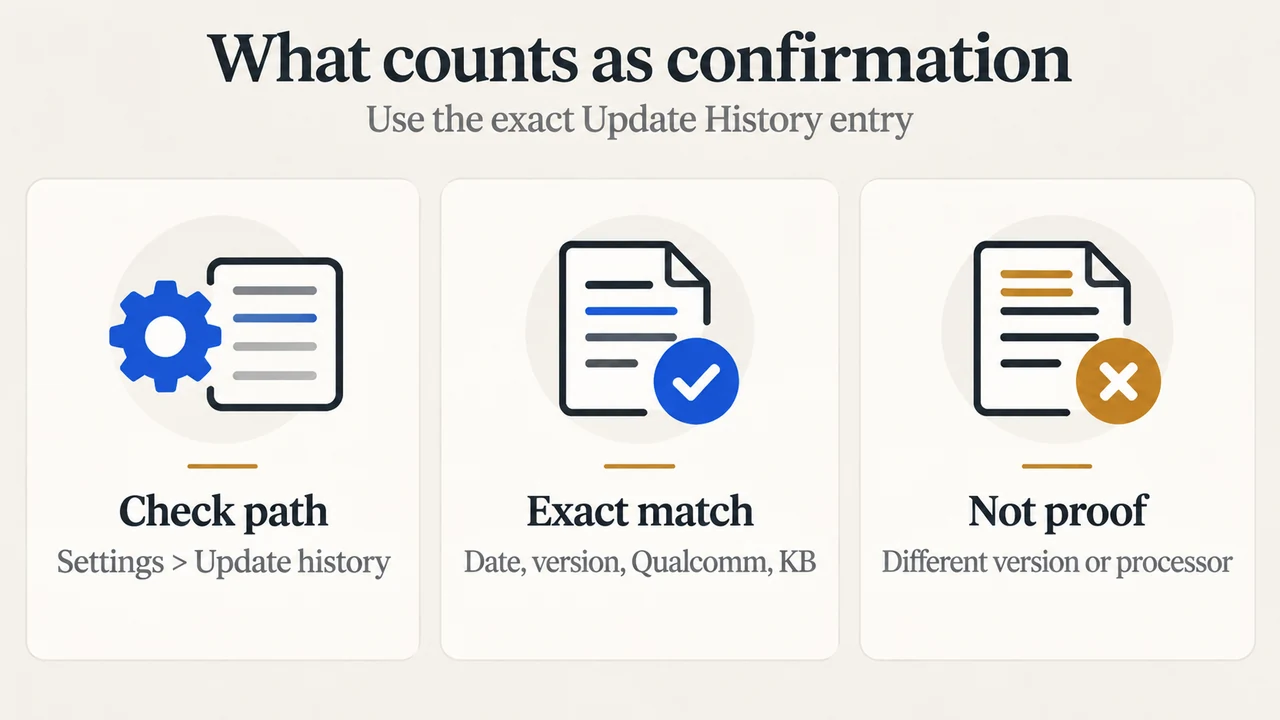
Microsoft’s instructions are to open Settings > Windows Update > Update history. After installation, the history should list:
2026-08 Image Creation version 1.2607.837.0 for Qualcomm-powered systems (KB5125075)
Check all four parts together: the month label, component name, version, and Qualcomm system description. A different Image Creation version or a different processor description is not evidence that KB5125075 is installed.
Why the long AI-component list can be confusing
Microsoft’s AI component release table lists multiple component names and multiple packages on the same availability date. The visible August 27 entries include Image Creation, Image Transform, Image Processing, Phi Silica, Execution Provider, Settings Model, Image Search, Semantic Analysis, and Content Extraction. The table also shows more than one version and KB identifier for some component names.
That list is not enough to select a Qualcomm Image Creation package by itself. For this narrow case, the specific Microsoft KB article establishes the match: Qualcomm-powered system, Image Creation, version 1.2607.837.0, and KB5125075.
What this guide does not establish
The supplied excerpts do not establish a complete August 27 mapping for every processor family and every AI component. They also do not establish whether a particular computer will receive the update at a specific time, beyond Microsoft’s statement that it is delivered automatically through Windows Update. Do not use this Qualcomm package as a substitute for checking a different processor-specific Microsoft entry.
Research method and limitations
This research-based guide was prepared from the supplied public Microsoft excerpts retrieved on 2026-09-20, plus one supplied competitor page used only to compare coverage. The Microsoft release-information and update-history passages were truncated, so this article relies only on their visible statements. It makes no hands-on, lab, benchmark, or comprehensive-review claim. The competitor page was not used as authority for the technical package details.
Text version of the diagrams
- Identify the Qualcomm package: Component — Image Creation; Package — 1.2607.837.0 · KB5125075; System scope — Qualcomm Copilot+ PC
- What counts as confirmation: Check path — Settings > Update history; Exact match — Date, version, Qualcomm, KB; Not proof — Different version or processor