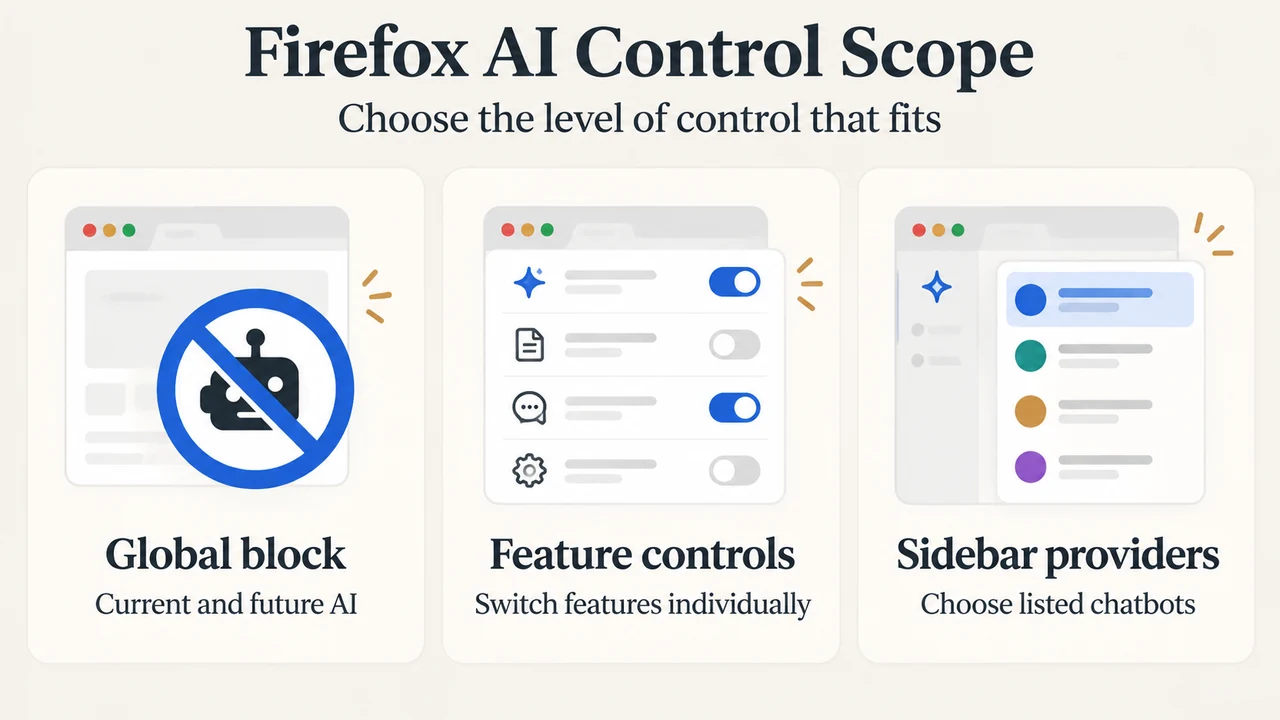
Firefox gives users several ways to control AI features, but they are not the same setting. The AI controls section can block current and future AI features or manage selected features individually. A separate sidebar lets users choose among listed chatbot providers. Smart Window is a distinct, optional browsing mode with broader access to browsing context and a separate privacy notice.
This guide is for Firefox users deciding how much AI integration they want. The supplied Mozilla material documents Smart Window beta availability in English for the U.S. and Canada, while a later Mozilla announcement says access and French-language support are expanding to France. The material supplied does not identify a Firefox version requirement, so this article does not claim support for Firefox 155 or any other specific version.
Which Firefox AI option fits your preference?
| What you want | Documented option |
|---|---|
| No current or future AI features and related pop-ups | Use the global AI controls switch to block them. |
| Only selected AI features | Manage individual features such as AI translations, PDF image alt text, tab group suggestions, and key points in link previews. |
| A chatbot beside your desktop browsing | Enable a listed provider in the built-in desktop sidebar. |
| AI help that can use shared tabs, browsing context, and Memories | Use the optional Smart Window beta where it is available. |
AI Controls: a broad block or individual choices
Mozilla says Firefox places AI controls in the General Settings panel. The broad switch is designed to block current and future AI features and related pop-ups. This is the clearest choice for someone who wants Firefox AI features removed as a group.
Firefox also documents individual controls. The supplied examples are AI translations, image alt text in the Firefox PDF viewer, tab group suggestions, and key points in link previews. These controls suit someone who wants to keep selected features while turning off others. The excerpts do not establish that every Firefox AI feature appears in this list or that one individual setting controls Smart Window.
Sidebar chatbots: provider choice inside desktop Firefox
Mozilla documents a built-in desktop sidebar where users can enable and select chatbot providers. The listed providers are Anthropic Claude, ChatGPT, Google Gemini, and Le Chat Mistral. After the feature is enabled, Mozilla says users can switch between providers in the sidebar.
This is different from Smart Window. The supplied article describes the sidebar as a way to use a chosen chatbot beside browsing. It does not establish that sidebar conversations receive the same browsing context or use the same data processing as Smart Window. Provider policies should therefore be reviewed separately before use.
Smart Window: the broader, opt-in browsing mode
Smart Window is Firefox’s more integrated AI experience. Mozilla describes it as an optional, opt-in window that builds on the classic Firefox experience. With permission, its assistant can work with open tabs and browsing history to compare information, generate recommendations, summarize pages, and plan projects.
Mozilla’s privacy notice says Smart Window can process browsing activity, search data, interaction data, language preference, location, and other information needed to provide or improve the feature. The assistant may use relevant browsing context and stored Memories when a request calls for it. Mozilla says Memories are stored locally after processing, can expire, and can be reviewed or deleted. It also says users can turn off Memory creation.
Smart Window requires a Mozilla account. The privacy notice says users can choose another model endpoint through Smart Window preferences. If the endpoint is not offered in the Smart Window interface, the information is processed by that endpoint rather than routed through a Mozilla server, and the endpoint’s own terms and privacy notice apply.
Availability: what the supplied announcements establish
Mozilla’s September 2 announcement says Smart Window remains in beta and is available in English to people in the U.S. and Canada. Mozilla’s September 16 partnership announcement says Mistral Small 4 is coming to Smart Window beta users in the U.S. and Canada, while Smart Window beta access and French-language support are expanding to users in France.
These announcements describe availability at the time of publication, not a permanent guarantee for every account or installation. The supplied evidence does not provide a complete country list, a rollout schedule, or a specific Firefox version requirement. It also does not establish that every provider or feature is available identically in every region.
Privacy boundary to keep in mind
Classic Firefox windows and Smart Windows have different documented privacy scopes. Mozilla says classic windows are governed by the Firefox Privacy Notice unless the user opens a Smart Window. Smart Window processing is governed by its separate notice, which takes priority for Smart Window-related processing if the notices conflict.
Mozilla also says it does not train models on Smart Window interactions and does not retain chat logs without permission. The supplied privacy notice separately describes processing needed to operate, improve, and diagnose the feature, including optional sharing of feedback or chat logs for human review. These statements describe Mozilla’s documented policies; they are not a guarantee that a third-party endpoint follows Mozilla’s policies.
Bottom line
Choose the global AI block when you want the broadest documented opt-out from current and future AI features and related pop-ups. Choose individual controls when you want selected features only. Use the sidebar when your main requirement is choosing among listed chatbots beside desktop browsing. Choose Smart Window only when you want a more integrated assistant and accept its separate account, browsing-context, Memories, and model-endpoint rules.
Research method and limitations: This research-based guide was prepared only from the supplied public Mozilla excerpts and one supplied competitor excerpt. The Mozilla Smart Window safety page returned a JavaScript challenge in the supplied fetch, so no claims from that page are used here. The competitor excerpt was truncated and is used only to understand competing coverage, not as technical authority. No hands-on use, lab test, benchmark, comprehensive product review, or specific-version verification was performed.
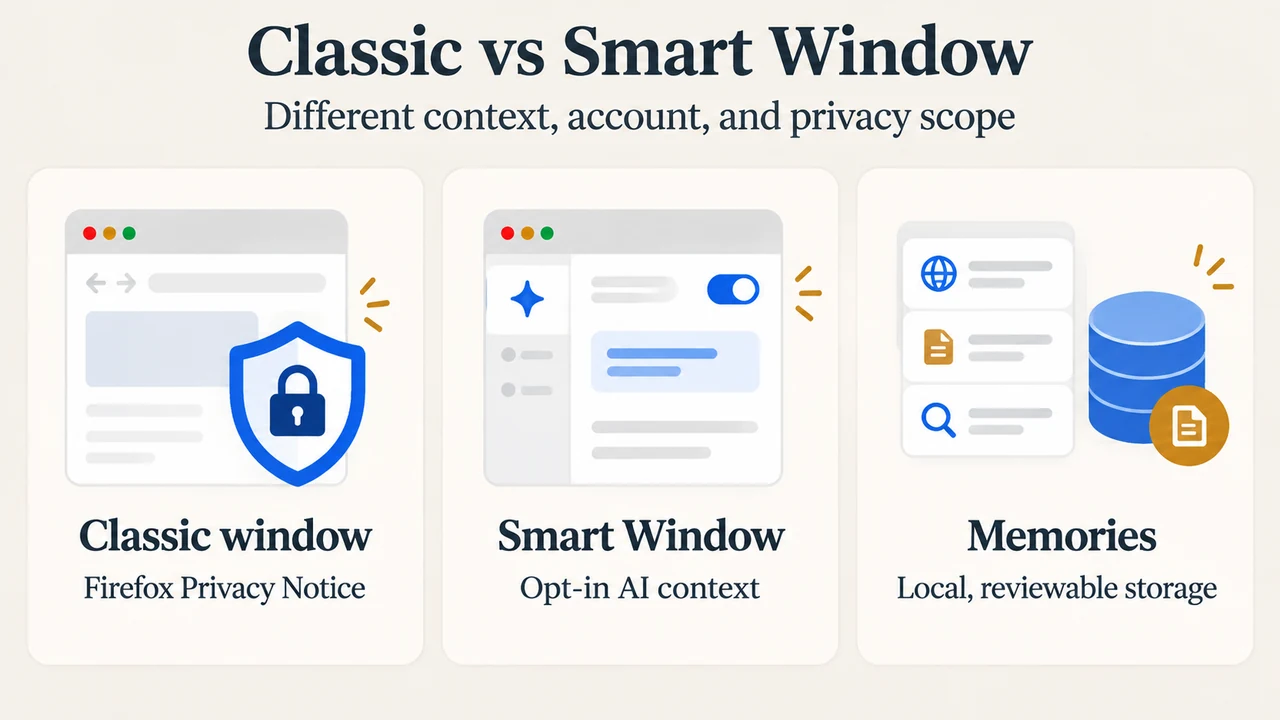
Text version of the diagrams
- Firefox AI Control Scope: Global block — Current and future AI; Feature controls — Switch features individually; Sidebar providers — Choose listed chatbots
- Classic vs Smart Window: Classic window — Firefox Privacy Notice; Smart Window — Opt-in AI context; Memories — Local, reviewable storage