Short answer: Advanced Data Protection (ADP) may suit Apple Account users who want more iCloud data protected with end-to-end encryption and are prepared to manage recovery themselves. It may be less suitable if you depend on sharing features that do not support ADP, need routine iCloud.com access, or cannot keep every signed-in device within Apple’s software requirements.
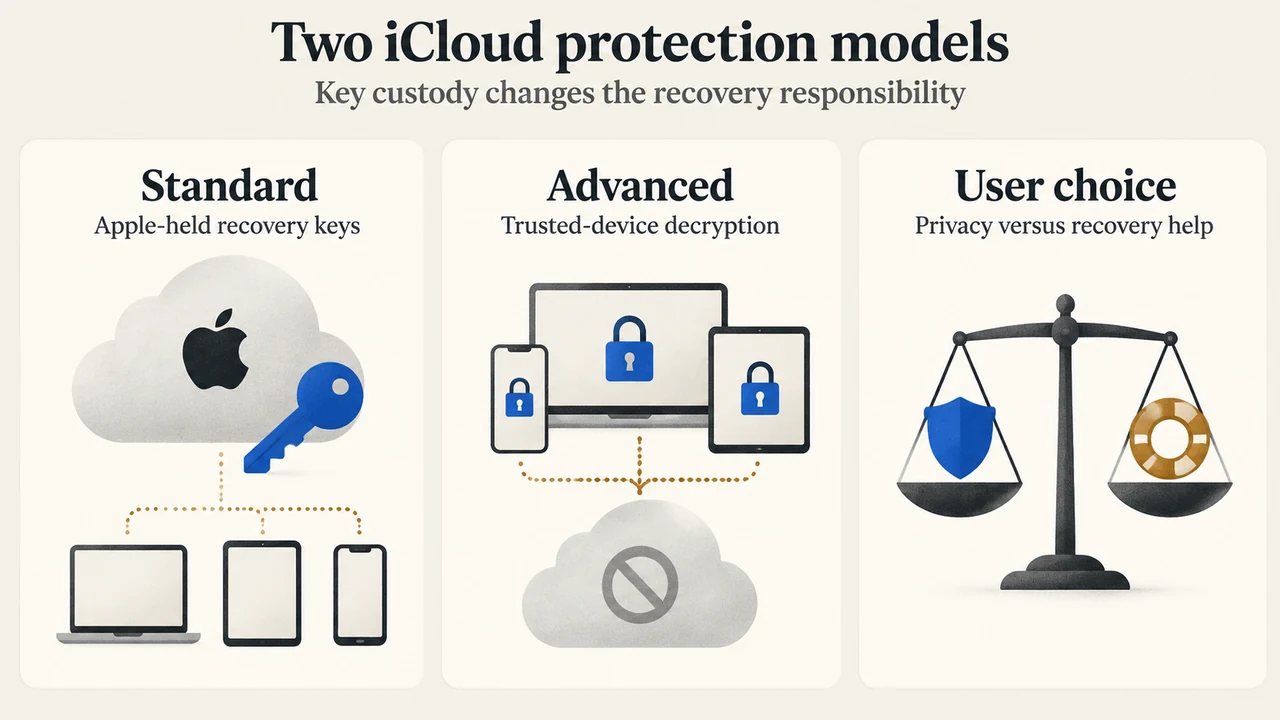
Apple describes ADP as optional and says it protects the majority of iCloud data with end-to-end encryption. For protected categories, data can be decrypted only on trusted devices, and Apple says it does not have the keys needed to access or recover that data.
What Advanced Data Protection changes
Apple’s iPhone User Guide lists these examples of additional protected categories: device backup, Messages backup, iCloud Drive, Notes, Photos, Reminders, Safari bookmarks, Siri Shortcuts, Voice Memos and Wallet passes. Apple’s UK availability page also lists Freeform among the ten categories covered there.
Some sharing features do not support ADP. Apple specifically names iWork collaboration, Shared Albums in Photos and sharing content with “anyone with the link.” Shared content in those services uses standard data protection instead of end-to-end encryption.
The recovery trade-off
With ADP enabled, Apple says it does not have the encryption keys needed to help recover your end-to-end encrypted data. Before enabling it, you must set up at least one alternative recovery method: a recovery contact or a recovery key. Your device passcode or password is also an account recovery method described by Apple.
Recovery contact
A recovery contact is a trusted friend or family member who uses an Apple device to help you regain access to your account and data. The contact does not receive access to your account; they can provide a recovery code.
Recovery key
A recovery key is a secret 28-character code. Apple says you use it with a trusted phone number and an Apple device to recover your account and data. Apple also says your account recovery methods are not shared with or known to Apple.
The decision is therefore about responsibility as well as privacy: ADP gives you end-to-end encryption for the documented protected categories, but Apple may be unable to help recover that encrypted data if you lose access to your account and recovery methods.
Check device and account requirements first
Apple lists these requirements for ADP:
- An Apple Account with two-factor authentication.
- A passcode or password on the device.
- Compatible software on every device signed in to the Apple Account: iOS 16.2 or later, iPadOS 16.2 or later, macOS 13.1 or later, watchOS 9.2 or later, tvOS 16.2 or later, HomePod software 16.0 or later, and iCloud for Windows 14.1 or later.
Managed Apple Accounts and child accounts are not eligible. Enabling ADP on one device enables it for the entire account and all compatible devices. While it is enabled, you can sign in only on devices that meet the listed software requirements.
What changes for iCloud.com
When ADP is enabled, access to iCloud data at iCloud.com is disabled by default so the data remains available on trusted devices. Apple says you can turn web access on again by using a trusted device to approve temporary access.
What happens in the UK
Apple says users in the United Kingdom who have not already enabled ADP can no longer enable it. For those users, the ten iCloud categories covered by ADP there use standard data protection: iCloud Backup, iCloud Drive, Photos, Notes, Reminders, Safari Bookmarks, Siri Shortcuts, Voice Memos, Wallet Passes and Freeform.
Apple separately says this change does not affect the 15 iCloud categories that are end-to-end encrypted by default. It also says iMessage and FaceTime remain end-to-end encrypted globally, including in the UK. UK users who already enabled ADP will receive additional guidance and a period of time to disable it themselves to keep using their iCloud account.
Can you change your mind?
Yes. Apple says you can turn ADP off at any time. The device then uploads the required encryption keys securely to Apple’s servers, and the account returns to standard data protection.
Who should consider it?
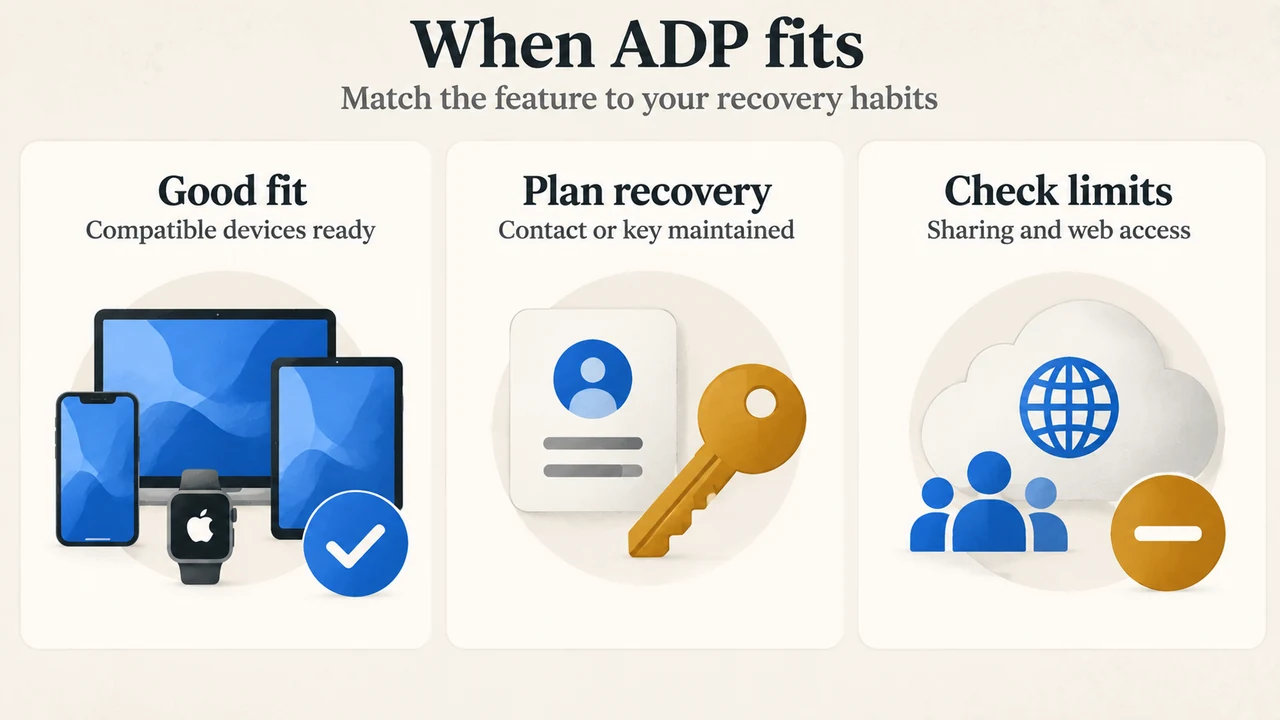
ADP may fit users whose priority is Apple’s highest level of cloud data security, whose devices meet the requirements, and who can maintain a reliable recovery method.
Consider the limits before enabling it if you rely on iWork collaboration, Shared Albums, or “anyone with the link” sharing; need routine iCloud.com access; use a device that cannot meet the requirements; or are not comfortable managing recovery. The supplied evidence does not establish how every other iCloud feature behaves.
Research method and limitations
This guide was prepared from the supplied public Apple source excerpts. The iPhone User Guide excerpt is partial and truncated, so only its visible statements were used. The supplied competing-source excerpt does not visibly contain an ADP discussion, so no competitor-coverage comparison is made. No hands-on testing, lab work, benchmark, or comprehensive feature review was performed.
Sources
- Apple Support: How to turn on Advanced Data Protection for iCloud — https://support.apple.com/en-ie/108756
- Apple iPhone User Guide: Use Advanced Data Protection — https://support.apple.com/guide/iphone/use-advanced-data-protection-iph584ea27f5/27/ios/27
- Apple Support: Advanced Data Protection availability in the United Kingdom — https://support.apple.com/en-us/122234
Text version of the diagrams
- Two iCloud protection models: Standard — Apple-held recovery keys; Advanced — Trusted-device decryption; User choice — Privacy versus recovery help
- When ADP fits: Good fit — Compatible devices ready; Plan recovery — Contact or key maintained; Check limits — Sharing and web access