When you browse the web in Google Chrome, the browser checks sites and downloads against Google Safe Browsing lists to protect against malware, abusive sites and extensions, phishing, malicious and intrusive ads, and social engineering attacks. Safe Browsing provides two active levels: Standard protection and Enhanced protection.
Standard Protection: URL Obfuscation and Privacy Servers
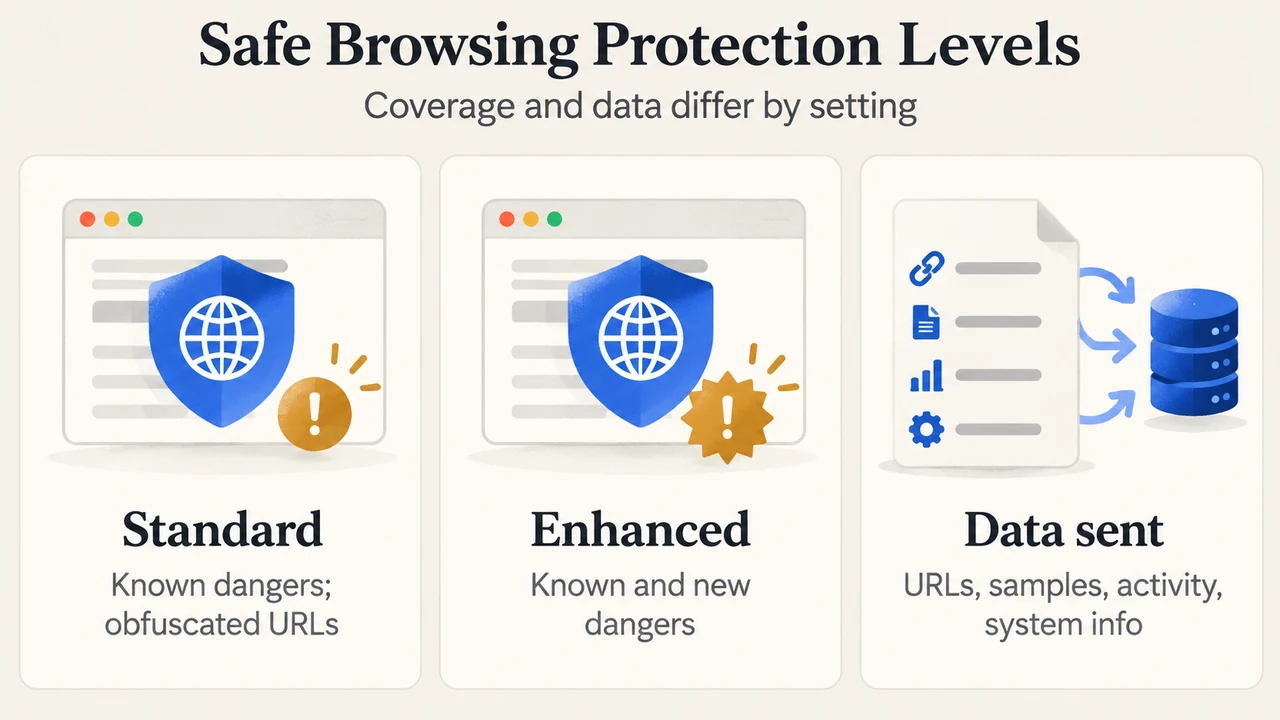
Standard protection is enabled by default in Chrome and protects against known dangers, identifying dangerous sites, downloads, and extensions.
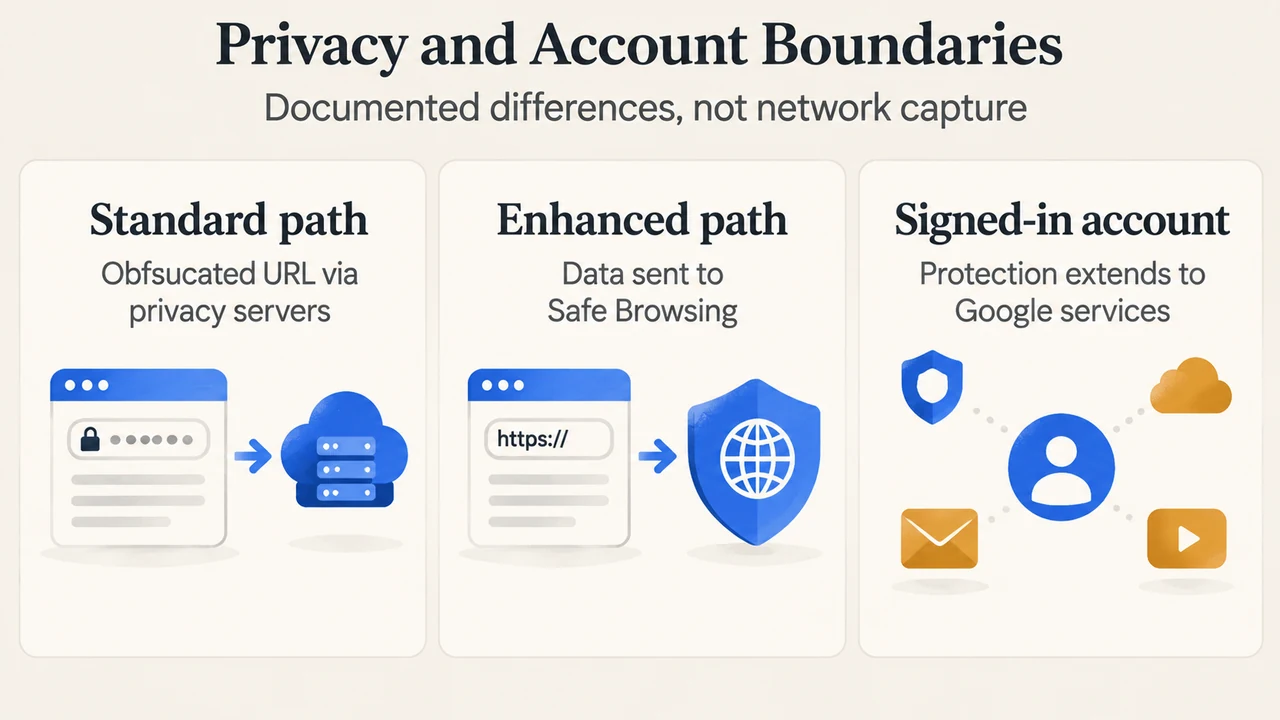
To hide your IP address when you visit a site, Chrome sends an obfuscated portion of visited URLs through privacy servers before forwarding them to Google. Under this design, neither Google nor the third party operating the privacy server can see both the visited URL and your IP address. Google checks the obfuscated URL portion against Safe Browsing lists and displays a warning if there is a match. Standard protection sends full URLs and bits of page content to Google only when a site does something suspicious.
Enhanced Protection: Data Categories and Account Protection
Enhanced protection offers security from known and potential new dangers, warning about dangerous sites, downloads, and extensions even if Google did not previously know about them.
When Enhanced protection is turned on, Chrome sends the URL of the site, a small sample of page content, extension activity, and system information to Google Safe Browsing to evaluate potential harm, including in-depth scans of suspicious downloads. Google states that information sent to Safe Browsing is used only for security purposes.
When you are signed in to a Google Account, Safe Browsing protection extends across Google services by saving this security data to your account. For example, Safe Browsing can increase protection in Gmail after a security incident. Enhanced protection also warns you if you use a password that has been compromised in a data breach.
Protection Comparison
| Feature / Dimension | Standard Protection (Default) | Enhanced Protection |
|---|---|---|
| Threat Coverage | Protects against known dangers, identifying dangerous sites, downloads, and extensions. | Protects against known and potential new dangers, including threats Google did not previously know about. |
| Data Sent During Browsing | Sends an obfuscated portion of visited URLs; sends full URLs and bits of page content only if a site does something suspicious. | Sends visited site URLs, small samples of page content, extension activity, and system information to Google Safe Browsing. |
| IP Address Handling | Routes obfuscated URL portions through privacy servers so neither Google nor the privacy server operator sees both the URL and IP address. | The source documents the data categories sent to Google Safe Browsing, but does not describe the specific network routing or privacy server usage for Enhanced protection. |
| Google Account Integration | Checks Safe Browsing lists using obfuscated URL portions or suspicious event data; account-level saving across services is not described. | When signed in, saves security data to your Google Account to extend protection across Google services, such as increasing Gmail protection after a security incident. |
| Compromised Password Warnings | Not described under Standard protection in the source. | Warns you if you use a password that has been compromised in a data breach. |
Text version of the diagrams
- Safe Browsing Protection Levels: Standard — Known dangers; obfuscated URLs; Enhanced — Known and new dangers; Data sent — URLs, samples, activity, system info
- Privacy and Account Boundaries: Standard path — Obfuscated URL via privacy servers; Enhanced path — Data sent to Safe Browsing; Signed-in account — Protection extends to Google services
Research Method and Limitations
This answer was prepared from public Google Chrome Safe Browsing documentation retrieved on September 23, 2026 (Choose your Safe Browsing protection level in Chrome). Material limitations include reliance solely on the visible support documentation, the unavailability of competing coverage or independent testing, and the absence of vendor documentation detailing network routing architecture or privacy server mechanisms for Enhanced protection.