iOS 27 is more than a Siri update. Apple’s latest iPhone software adds new photo-editing options, browsing tools, parental controls and everyday refinements. Apple describes the release in its software-release announcement.
The main qualification is hardware: an iPhone can support iOS 27 without supporting its new Apple Intelligence features. Here are the changes worth knowing about, with that distinction kept separate from the feature list.
Siri AI is the headline addition
The new Siri AI experience is designed for more conversational requests and personal context. Apple describes finding information across apps and taking actions based on what the user is doing. A dedicated Siri app keeps conversations together, including conversations that continue across Apple devices.
Siri mode in Camera extends the assistant into the viewfinder. Apple’s examples include asking about something in front of the camera and taking a related action. Write with Siri adds drafting and editing assistance in places where text is entered.
These capabilities are described on Apple’s iOS 27 overview. They are announced functions, not evidence that we have tested their accuracy or reliability. Siri AI starts in English, and its availability is narrower than the operating system’s compatibility list.
Photos gains more ambitious editing tools
Spatial Reframing changes a photo’s composition after capture. Extend adds content beyond its boundaries, while the improved Clean Up tool handles unwanted objects. The important distinction for photographers is that these are editing tools: a changed image should not be mistaken for an untouched capture.
Apple also describes an updated Image Playground with broader image styles and natural-language editing. These features make image creation a larger part of the software, but this article does not judge their visual quality.
Safari and Shortcuts become more capable
Safari can group related tabs and monitor a page for changes such as price or availability. Another addition lets users describe an extension in natural language. Shortcuts gains a similar description-based way to create or refine an automation.
These changes could reduce the work involved in organising browsing or assembling an automation. That is their intended use, rather than a guarantee that every website or requested task is supported.
Everyday changes beyond the assistant
Apple’s iOS 27 release notes also identify changes that are easy to overlook beside Siri:
- Separate volume settings for alarms and timers.
- Custom equaliser options for AirPods.
- Connectivity Assist for transitions between Wi-Fi and mobile networks.
- Improvements to iCloud Shared Albums.
- Perimenopause and menopause support in the Health app’s Cycle Tracking.
The release also refines Liquid Glass and expands parental controls. These are useful parts of the overview even for readers whose main interest is not an AI assistant. Availability can still depend on hardware and region.
Which iPhones can run iOS 27?
Apple’s compatibility guide names these models:
- iPhone 11, 11 Pro and 11 Pro Max.
- iPhone 12 mini, 12, 12 Pro and 12 Pro Max.
- iPhone 13 mini, 13, 13 Pro and 13 Pro Max.
- iPhone 14, 14 Plus, 14 Pro and 14 Pro Max.
- iPhone 15, 15 Plus, 15 Pro and 15 Pro Max.
- iPhone 16, 16 Plus, 16 Pro, 16 Pro Max and 16e.
- iPhone 17, 17 Pro, 17 Pro Max and 17e.
- iPhone Air, iPhone 18 Pro and iPhone 18 Pro Max.
- iPhone SE (second generation) and iPhone SE (third generation).
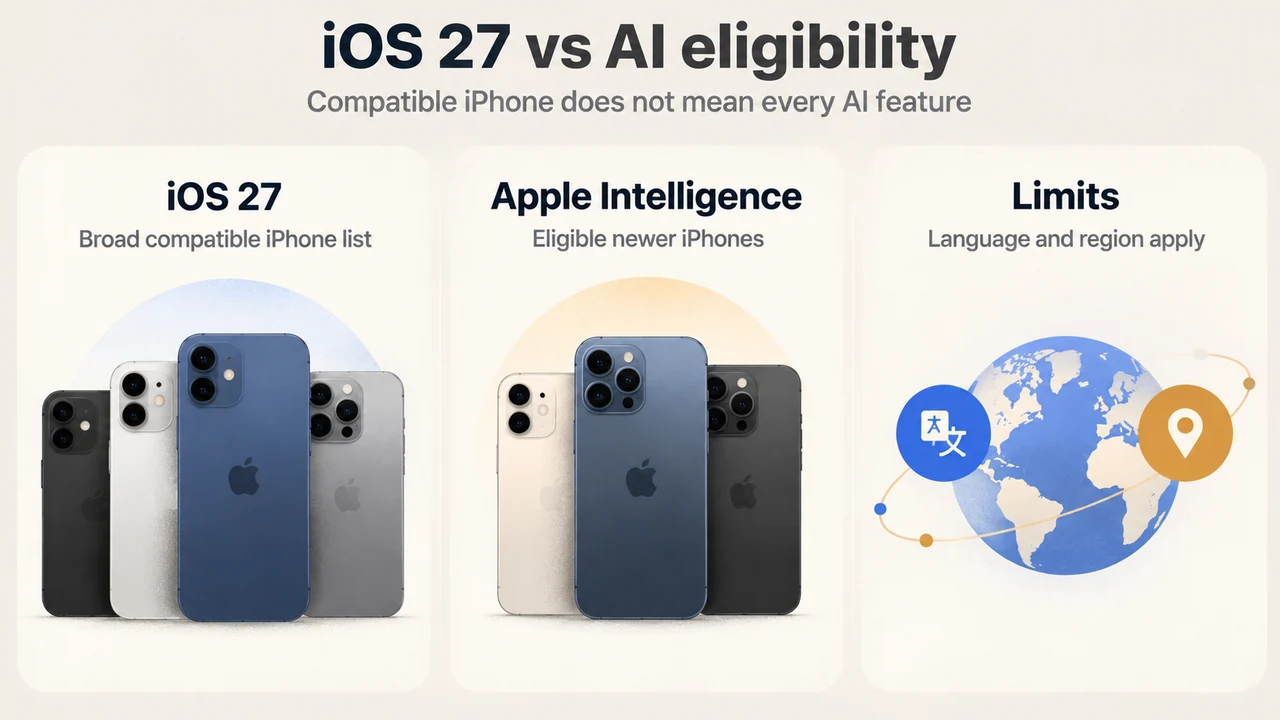
This is operating-system compatibility. It does not mean an iPhone 11 or a standard iPhone 15 gains every AI feature described above.
AI eligibility, language and regional limits
Apple Intelligence requires iPhone 15 Pro, iPhone 15 Pro Max, or eligible later models, including the iPhone 16 family. Device and Siri languages must match a supported language. Some server-based functions have daily usage limits.
Regional restrictions also matter, and requirements differ by feature. Apple’s requirements page explains those conditions; its broader supported-language list should not be read as a list of Siri AI launch languages.
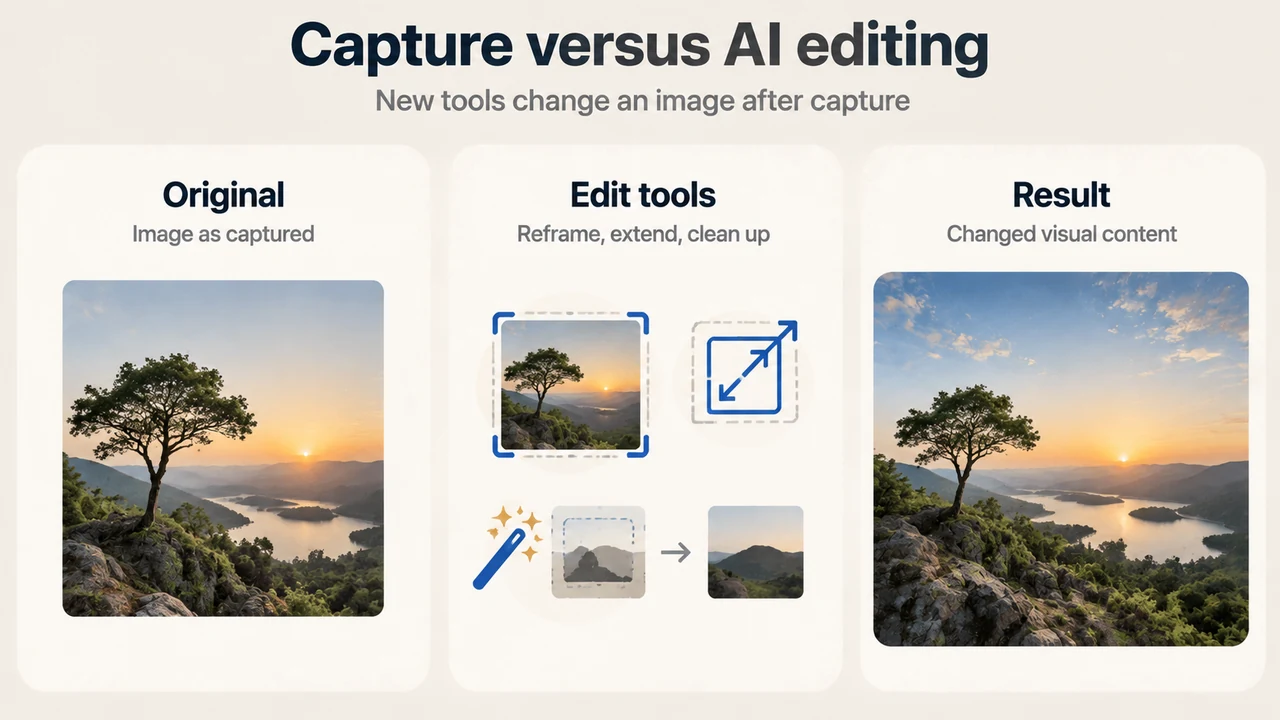
Text version of the diagrams
- iOS 27 vs AI eligibility: iOS 27 — Broad compatible iPhone list; Apple Intelligence — Eligible newer iPhones; Limits — Language and region apply
- Capture versus AI editing: Original — Image as captured; Edit tools — Reframe, extend, clean up; Result — Changed visual content
Our reporting basis
We checked the linked Apple documentation on September 19, 2026. This is a documentation-based feature overview, not a hands-on review, benchmark or battery-life test. Some fetched passages were excerpts, and we did not complete a competitor comparison. The illustrations are conceptual explanations, not screenshots of a tested iPhone.