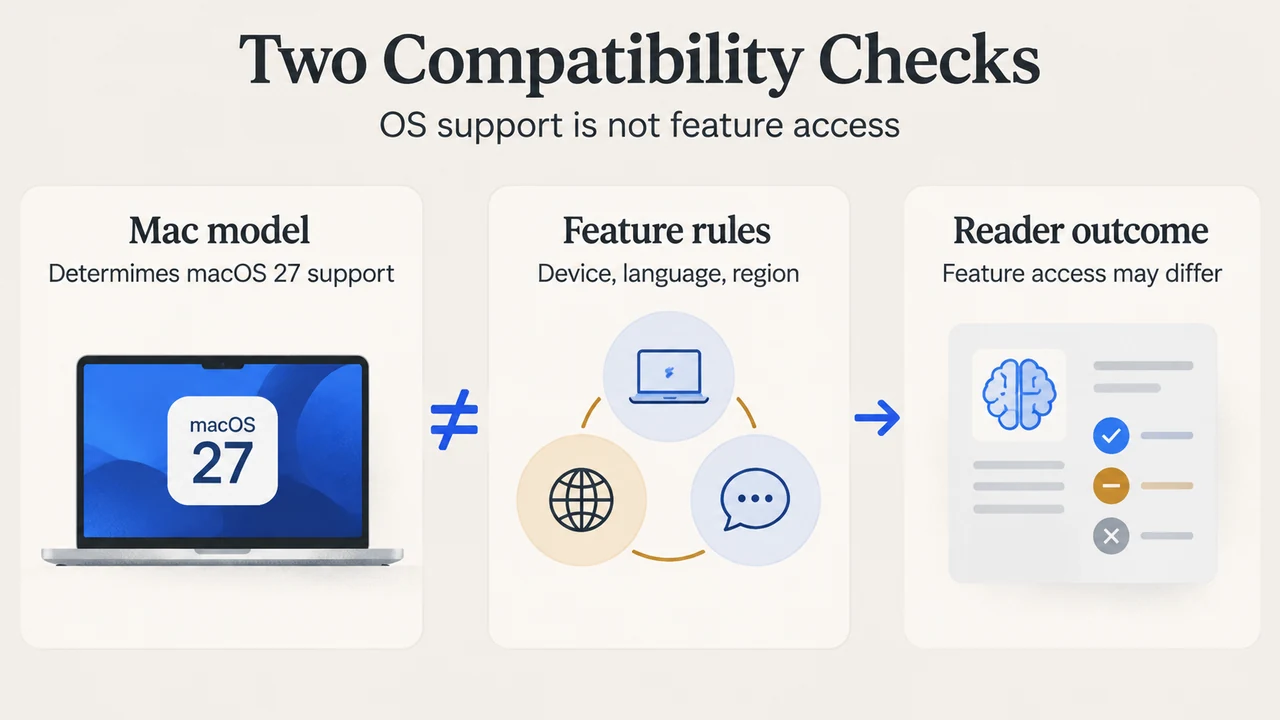
macOS 27 Golden Gate brings a new Siri AI experience, more image-editing tools and changes to everyday Mac apps. Apple released the update on September 14, 2026. The important distinction is between a Mac that can run the operating system and a particular feature being available for its hardware, language and region.
The biggest changes at a glance
| Area | What changes |
|---|---|
| Siri and search | A conversational assistant, a dedicated Siri app and integration with Spotlight. |
| Photos | New ways to change framing, extend an image and remove distractions. |
| Safari | Topic-based tab grouping, page-change notifications and extensions described in natural language. |
| Design | Liquid Glass refinements and more control over its appearance. |
These are feature descriptions from Apple’s macOS 27 release notes, rather than results from our own tests.
Siri AI becomes a larger part of the Mac
Apple positions Siri AI as a conversational assistant that can work with personal context. Its examples include finding an old photo, a message or a saved note. Spotlight can offer an Ask Siri result, while a dedicated app keeps conversations accessible.
Visual Intelligence adds an onscreen dimension: Apple’s description includes asking questions about a selected window and acting on information such as a calendar event. The practical change is that Siri is being connected more closely to what you are viewing, rather than only receiving a standalone spoken question.
Siri AI is rolling out in English as a beta. It should not be presented as an identical experience for every supported language or region. Apple’s macOS overview explains the new assistant and its availability notes.
Photos, browsing and automation
Spatial Reframing changes a photo’s composition after capture. Extend expands its boundaries, while the updated Clean Up tool is designed to remove distractions. These editing capabilities deserve particular attention from creators, although this announcement coverage does not assess their output quality.
Safari’s Notify Me can watch a page for changes such as a restock. Describe an Extension and Describe a Shortcut use natural-language requests to create an extension or automation. Apple documents these capabilities; their presence is not evidence that every requested result will work correctly.
Changes beyond AI
Apple’s launch announcement also highlights new parental controls. Ask to Browse lets a child request permission for a new website. Time Allowances and Schedules give parents more ways to manage app access.
Design refinements are another part of the release. Apple describes improved readability and a slider for changing the Liquid Glass appearance. It also reports improvements to responsiveness and everyday operations. Those performance statements are Apple’s claims: we have not measured speed or battery life for this article. The September software announcement provides the broader release context.
Which Macs support macOS 27?
Apple’s compatibility list covers Apple silicon Macs, including M1-era MacBook Air, MacBook Pro and Mac mini models, along with later supported models. It also names MacBook Neo, Apple silicon iMacs, Mac Studio and the 2023 Mac Pro. Intel Macs are not included in that list.
Use the exact model list rather than assuming that every Mac from a particular year qualifies. For example, a year alone does not distinguish an Intel Mac from an Apple silicon model.
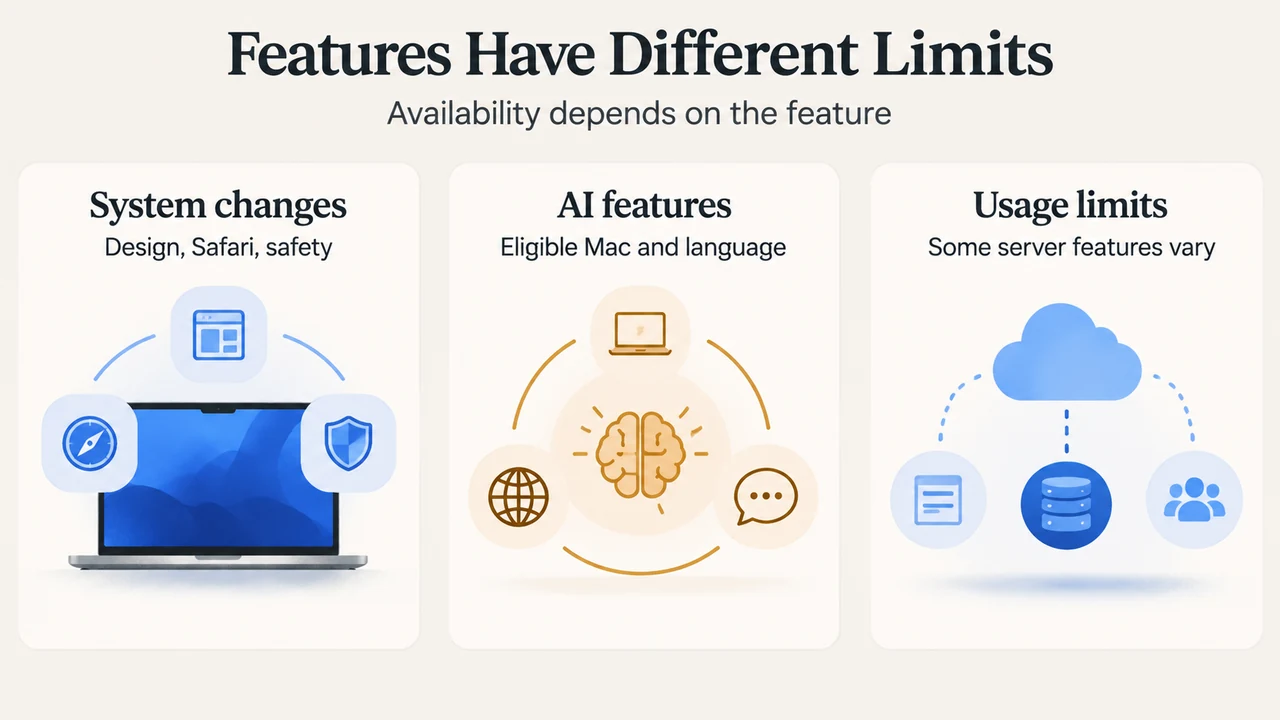
Feature limits are separate from OS compatibility
Apple Intelligence requires an eligible device and supported language and region. Device and Siri languages must match. Apple’s storage requirements distinguish some newer Macs with at least 12 GB of unified memory from other eligible models, so one storage figure does not apply universally.
Some server-based features, including Siri AI and intelligent image editing, have daily usage limits. Apple says those limits can vary with the feature, request complexity and system demand. See its Apple Intelligence requirements for the detailed conditions.
Text version of the diagrams
- Two Compatibility Checks: Mac model — Determines macOS 27 support; Feature rules — Device, language, region; Reader outcome — Feature access may differ
- Features Have Different Limits: System changes — Design, Safari, safety; AI features — Eligible Mac and language; Usage limits — Some server features vary
How we checked this overview
This is documentation-based reporting checked against the linked Apple sources on September 19, 2026. We have not performed hands-on testing or benchmarks. Some fetched source passages were excerpts; this article is a feature overview, not an exhaustive review or competitor comparison.