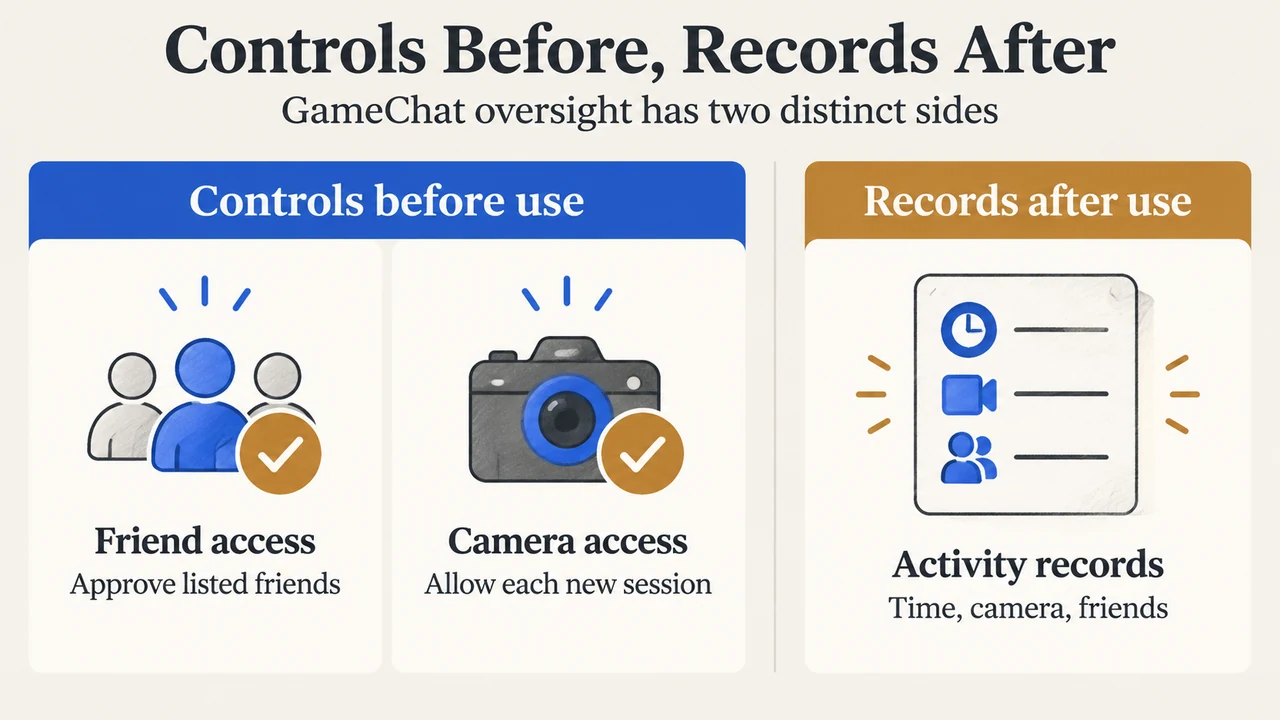
For Nintendo Switch 2 users under 16 and supervised users, GameChat parental controls must be set up in the Nintendo Switch Parental Controls app before GameChat can be used. Parents can approve individual friends, review camera requests for each session, limit exposure to age-restricted shared gameplay, and view GameChat activity summaries. The app does not provide access to the conversations themselves.
What parents must set up
Nintendo says the app must be linked to the Nintendo Switch 2 console for under-16 and supervised users. GameChat includes voice chat, video chat, screen sharing, and playing games together. Nintendo also says GameChat requires a Nintendo Switch Online membership and a persistent internet connection, with an open-access exception documented through March 31, 2026. The supplied documentation does not describe any later exception.
Friend approval comes before GameChat
A child must request approval before using GameChat with a friend. The players must already be on each other’s friend lists, and the parent or guardian chooses which listed friends may use GameChat with the child. Approval can be withdrawn for an individual friend in the app.
If no friends are approved, Nintendo says the child cannot invite others to a GameChat room or receive invitations to join one. The supplied guidance does not describe additional friend-management rules beyond these documented conditions.
Camera permission is decided one session at a time
Video chat requires a compatible USB camera connected to the Nintendo Switch 2. Parents can allow the child to request camera access or disable camera use entirely. If requests are allowed, permission is granted per session: a new GameChat room requires a new request to turn on the camera.
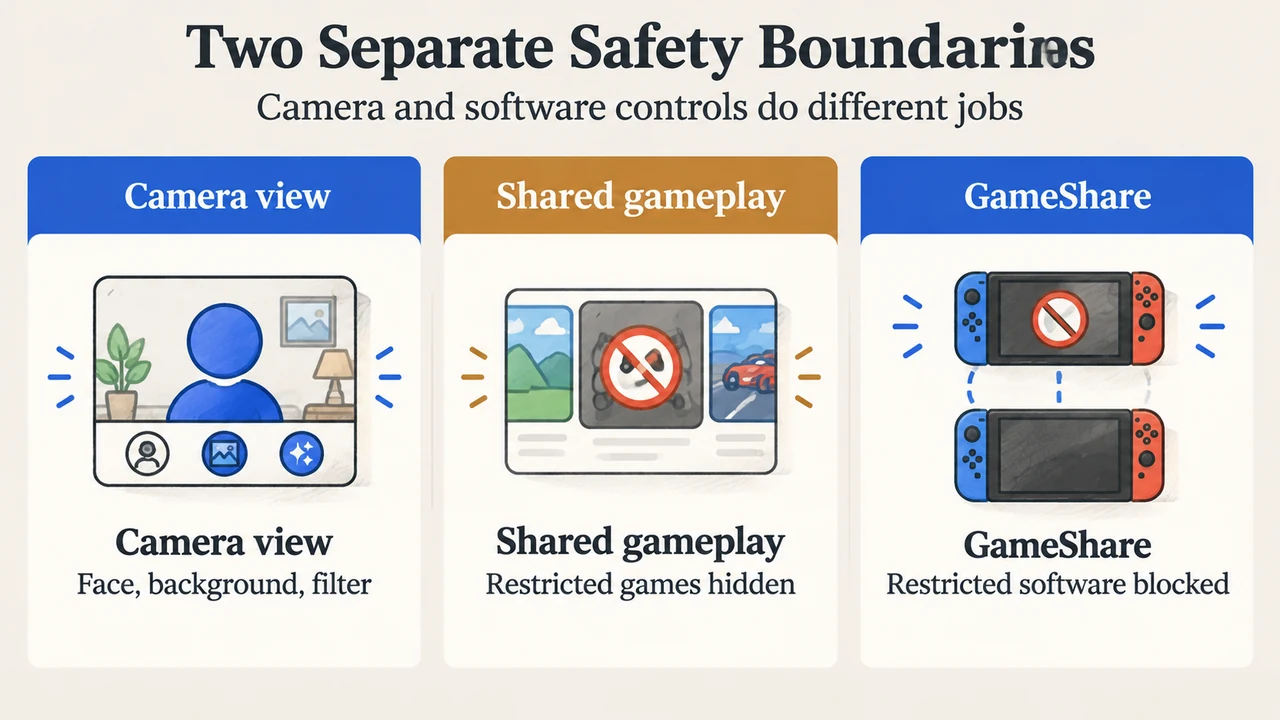
When camera use is enabled, the parent controls the available view options: face only, no background, or no filter. The selected setting determines which choices the child can use during video chat. If video chat is disabled, the child will not see other users’ camera feeds. Nintendo separately states that gameplay screen sharing is not restricted on either side.
Age ratings can affect shared gameplay
Software age-rating restrictions apply to all software on the console, including games friends are playing during GameChat. If a friend shares a game that would be restricted by the child’s parental-control settings, Nintendo says that game will not be shown on the child’s console.
The same restriction applies when the child is invited to join a GameShare session. The child cannot join GameShare for software that the parental-control settings restrict. This documented rule concerns software age ratings; it should not be read as a general restriction on every GameChat feature.
What the app records—and what it does not
Nintendo’s guide says the app can show whether the child used GameChat, the session start time and length, whether the camera was used, whether GameShare was used, and which friends they interacted with. It can also identify friends used with GameChat for the first time.
The Monthly Summary includes whether the child used GameChat and details about friends they interacted with, including friends used with GameChat for the first time. Nintendo explicitly says parents cannot access the conversations the child had with approved friends.
| Control or record | What Nintendo documents |
|---|---|
| Friend access | Parent approval is required for each friend. |
| Camera | Disabled entirely or approved for each new session. |
| Camera view | Face only, no background, or no filter. |
| Shared games | Age-rating restrictions can hide shared software or block GameShare. |
| Activity history | Session details, camera and GameShare use, and friend interactions. |
| Conversation content | Not available to parents through the documented activity records. |
What this means for a parent
The controls divide into two areas. Approval controls decide who the child may use GameChat with and whether camera access is available. Activity records show how GameChat was used afterward, including session timing and participating friends. The records do not provide conversation transcripts.
Age-rating controls operate at the software level. They can affect a friend’s shared game or a GameShare invitation when the software falls under a restricted rating. The supplied sources do not establish that these settings block voice chat, friend approval, or every other GameChat function.
Research method and limitations
This article was prepared from the two supplied public Nintendo support excerpts, retrieved September 20, 2026. One Nintendo overview excerpt is marked truncated, so this article relies only on the visible statements. The second Nintendo guide is not marked truncated. No competitor page was available in the supplied research, so this is not a comprehensive review of competing coverage. It is research-based and makes no hands-on, lab, benchmark, or comprehensive product-review claim. Nintendo’s requirements and app behavior may change; check the linked support pages before changing a child’s settings.
Text version of the diagrams
- Controls Before, Records After: Friend access — Approve listed friends; Camera access — Allow each new session; Activity records — Time, camera, friends
- Two Separate Safety Boundaries: Camera view — Face, background, filter; Shared gameplay — Restricted games hidden; GameShare — Restricted software blocked