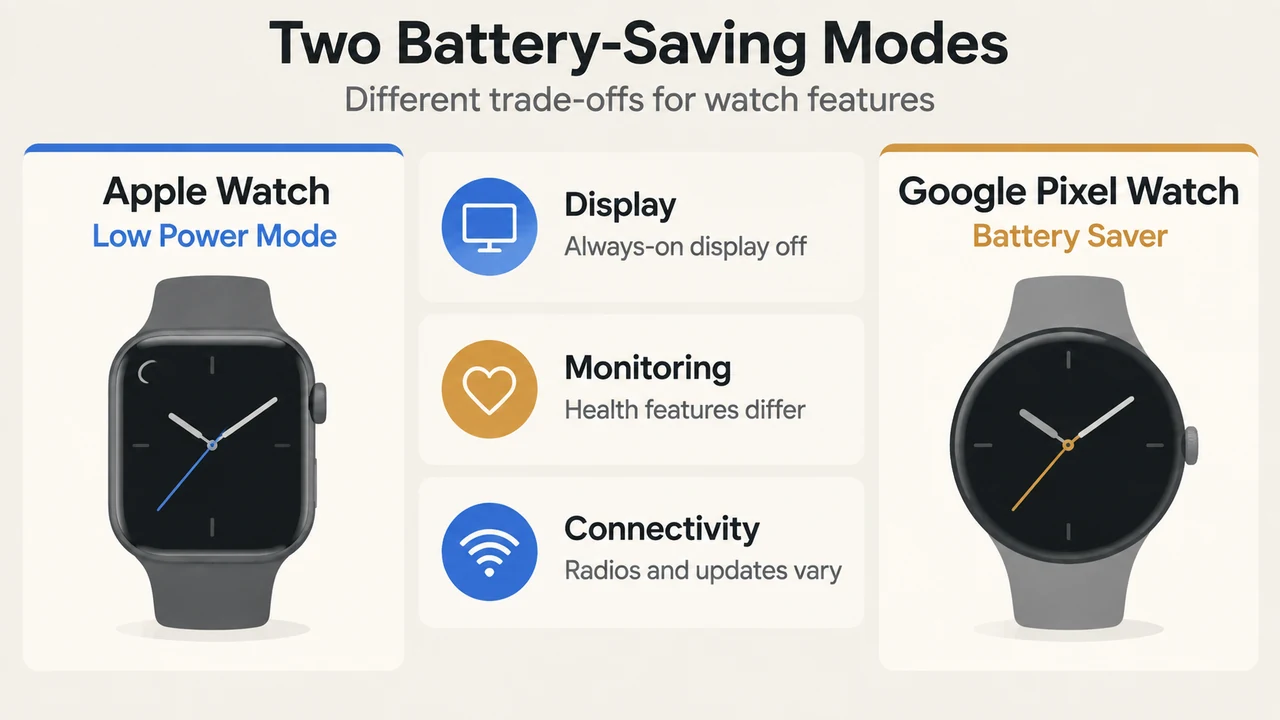
When smartwatch battery levels drop, Apple Watch and Google Pixel Watch use different feature cutoffs to conserve power. Apple Watch Low Power Mode turns off background heart rate and blood oxygen readings, disables certain gestures, and restricts cellular and Wi-Fi connections when away from a paired iPhone. In contrast, Google Pixel Watch Battery Saver disables the Always-on Display while keeping Tilt-to-wake active, maintaining key health and fitness tracking, and keeping safety features uninterrupted.
Overview: Low Power Mode vs. Battery Saver
Both modes prolong battery life by turning off the Always-on Display and restricting background activity, but they differ in sensor monitoring, wake gestures, and connectivity controls.
| Feature Category | Apple Watch (Low Power Mode) | Google Pixel Watch (Battery Saver) |
|---|---|---|
| Always-on Display | Disabled | Disabled |
| Display Wake Triggers | Double tap and wrist flick gestures disabled | Tilt-to-wake remains enabled |
| Health & Safety Sensors | Turns off background heart rate, background blood oxygen, irregular rhythm alerts, high/low heart rate alerts, and hypertension data collection | Maintains key health and fitness tracking and uninterrupted safety features |
| Standalone Cellular & Wi-Fi | Turns off Wi-Fi and cellular when iPhone is not nearby; retrieves missed calls and notifications once an hour | Managed via Mobile settings (configured as Automatic or Off on LTE models) |
| Automatic Thresholds | Alert prompts at 10%; turns off automatically at 80% charge unless set for multi-day duration | Turns on automatically at 15% charge |
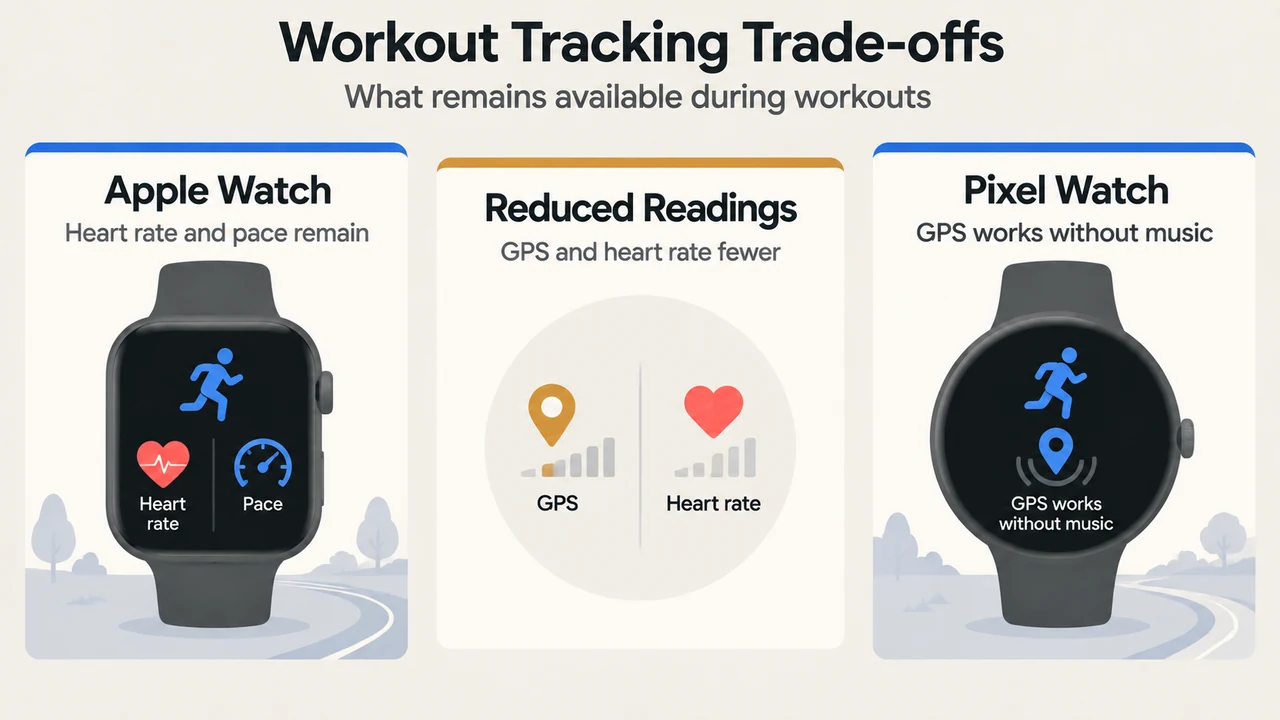
| Workout Tracking | Measures heart rate and pace; optional setting reduces GPS and heart rate readings on supported models | Supports GPS tracking during workouts without music streaming |
Display Behavior and Gestures
Both watches disable the Always-on Display to reduce battery consumption, but handle wake triggers differently:
- Apple Watch: Disables the Always On display along with double tap and wrist flick gestures. A yellow circle icon appears at the top of the display. The battery percentage button in Control Center, the charging animation, and the time in Nightstand mode also turn yellow.
- Google Pixel Watch: Disables the Always-on Display but keeps Tilt-to-wake enabled. Users who want to save additional battery can turn off Tilt-to-wake in Settings under Gestures.
Health Tracking and Safety Features
Health and biometric tracking differs significantly across the two modes:
According to Apple Support, Apple Watch Low Power Mode turns off background blood oxygen measurements (including during sleep), background heart rate measurements (including during sleep), collection of heart data for hypertension notifications, and heart rate notifications for irregular rhythm, high heart rate, and low heart rate. It also turns off Time in Daylight and start workout reminders.
According to Google Support, Google Pixel Watch Battery Saver maintains key health and fitness tracking and keeps safety features uninterrupted. Google notes that background activity is limited, which may cause notifications to be delayed.
Connectivity and Background Updates
Each device applies specific rules to wireless radios and updates:
- Apple Watch: When the paired iPhone is not nearby, Low Power Mode turns off Wi-Fi and cellular connections, pausing incoming phone calls and notifications. If an app requiring data is opened, Wi-Fi or cellular turns on, which can cause significant battery consumption. Missed calls and notifications are retrieved once an hour. Low Power Mode also makes phone calls take longer, updates complications and Live Activities less frequently, reduces background app refresh frequency, and can cause Siri to take longer to process requests.
- Google Pixel Watch: Limits background activity and may delay notifications. Battery Saver supports activities like receiving notifications, getting email or social media alerts, checking the time, and making calls. On LTE models, Google recommends setting Mobile mode to Automatic (connecting to cellular only when Bluetooth and Wi-Fi are absent) or Off to save battery.
Workouts and Battery Life Expectations
Both devices permit workout tracking while operating in their battery-saving modes:
Apple Watch maintains heart rate and pace measurements in the Workout app under Low Power Mode. On Apple Watch Series 8 and later, Apple Watch SE 2 and later, and Apple Watch Ultra and later running watchOS 9.1 or later, users can turn on “Fewer GPS and Heart Rate Readings” for outdoor walking, running, or hiking. When this reduced-reading setting is active, workout alerts turn off, splits and segments are not recorded, and current pace becomes unavailable.
Google Pixel Watch supports workout GPS tracking in Battery Saver mode provided music is not streamed simultaneously. Continuous GPS usage provides 8 to 10 hours of battery life on Google Pixel Watch. Under Battery Saver mode, Google estimates maximum battery life from a 100% charge at up to 36 hours on Pixel Watch 3 (41mm and 45mm), up to 48 hours on Pixel Watch 4 and Pixel Watch 5 (41mm), and up to 72 hours on Pixel Watch 4 and Pixel Watch 5 (45mm).
Activation Thresholds and Charging Features
Each platform uses specific battery level triggers:
- Apple Watch: Displays an alert asking to turn on Low Power Mode when the battery reaches 10%. Users can enable it continuously or select “Turn On For” 1, 2, or 3 days. Low Power Mode turns off automatically when charged to 80%, unless configured for a specific number of days.
- Google Pixel Watch: Automatically turns on Battery Saver when the battery reaches 15%. Pixel Watch also includes Battery Defender, which pauses charging if the watch remains plugged into its charger for 4 days or longer, keeping the battery at 80% or less to protect battery health.
Research Methodology and Limitations
This comparison was prepared solely from the supplied public support documentation from Apple Support (published September 18, 2025) and Google Pixel Watch Support. No accessible competing coverage was available. Material limitations include reliance on vendor-provided technical documentation without independent laboratory benchmark testing or hands-on runtime measurements. Specific battery life figures and features apply to the documented hardware models (such as Apple Watch Series 8, SE 2, Ultra, and later for reduced GPS readings; and Pixel Watch 3, 4, and 5 for specific battery saver hour estimates).
Text version of the diagrams
- Two Battery-Saving Modes: Display — Always-on display off; Monitoring — Health features differ; Connectivity — Radios and updates vary
- Workout Tracking Trade-offs: Apple Watch — Heart rate and pace remain; Reduced Readings — GPS and heart rate fewer; Pixel Watch — GPS works without music